Make pro videos and decks with AI — in hours, not days
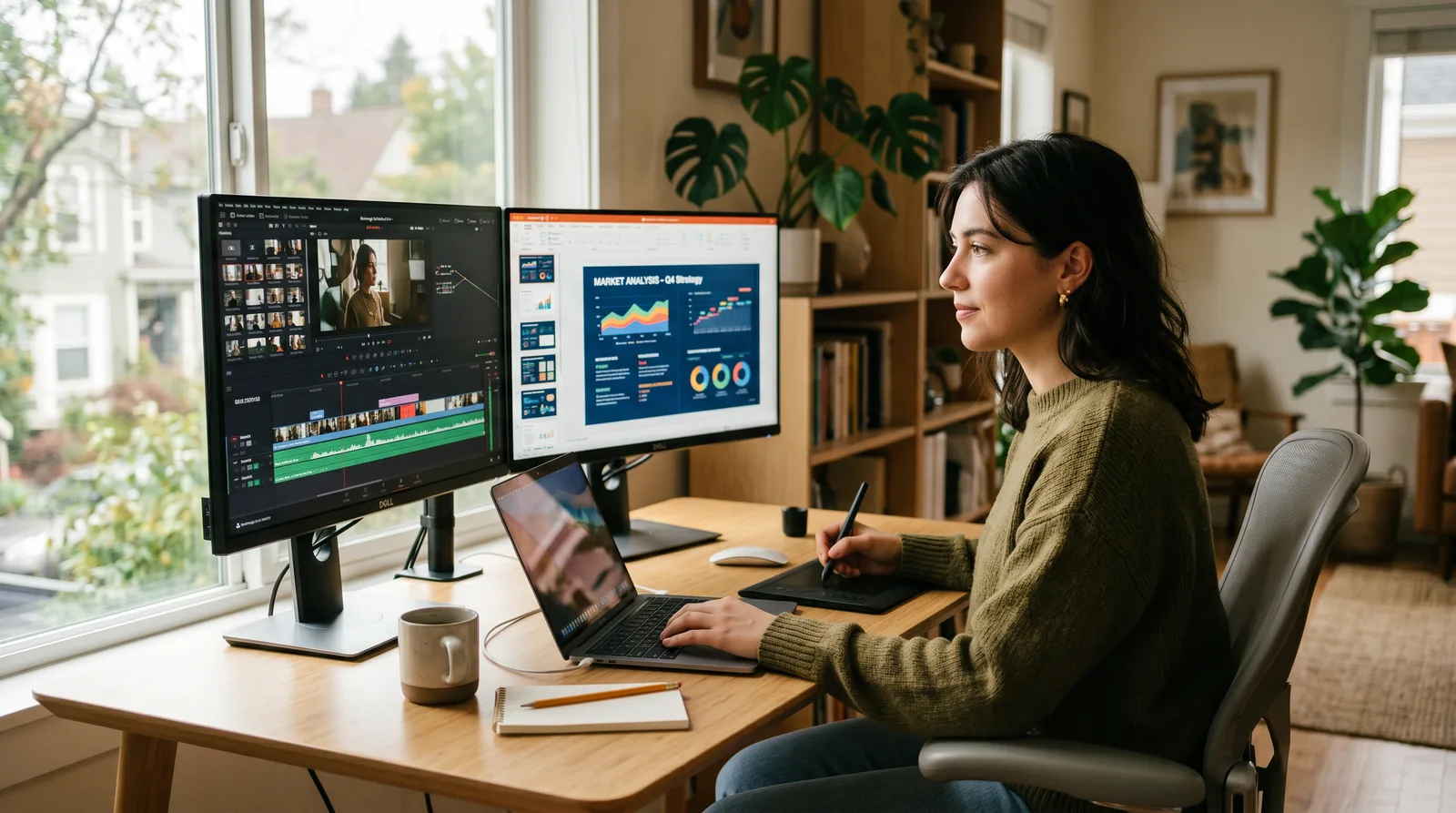
Master the fastest-growing AI tools for video editing and presentation creation — so you produce polished, professional content in a fraction of the time. Cut the busywork and let smart tools do the heavy lifting.
"I don't teach you every feature — I show you the exact ones that make your work faster and better, right now."— Sherrie K Licon
What you'll learn
What you'll be able to do
- Choose the right AI video and presentation tool for any project type and budget
- Edit raw footage into a polished video using AI-powered auto-cut, captions, and b-roll tools
- Generate a fully designed, on-brand presentation deck from a text prompt in minutes
- Apply AI voiceover and avatar features to produce videos without appearing on camera
- Build a repeatable content workflow that cuts production time by at least 50%
- Repurpose a single piece of content into multiple formats (video, deck, short clip) using AI tools end-to-end
How it works
A school that adapts to you
This isn't a set of static videos. Every lesson is generated live and tuned to where you actually are.
We learn your level
A quick placement check tailors your starting point so you're never bored or lost.
Lessons adapt as you go
Each lesson is written for your pace and your goal, adjusting as your skills grow.
Your AI coach keeps you moving
Checkpoints, feedback, and gentle nudges turn progress into a real result.
The curriculum
What's inside your school
6 modules · 19 lessons

AI Content Creation Foundations
Establishes the mental models and practical setup learners need before touching any tool. By the end, students understand how generative AI underpins every tool in this course, can match a tool to a project requirement, and have a fully configured workspace — removing friction from every subsequent lesson.
- 1.1How AI Video & Presentation Tools Actually WorkIncluded
- 1.2Picking the Right Tool for Any ProjectIncluded
- 1.3Setting Up Your AI Production WorkspaceIncluded
AI-Powered Video Editing
Covers the full AI-assisted editing pipeline from raw footage to polished export. Lessons are ordered by workflow stage: first cut the timeline via transcript, then layer in captions for accessibility, then enrich the visual track with b-roll and enhancement — mirroring the natural editing sequence professionals use.
- 2.1Auto-Cut & AI Transcript Editing with DescriptIncluded
- 2.2AI Captions, Subtitles & AccessibilityIncluded
- 2.3AI B-Roll, Stock Footage & Visual EnhancementIncluded
AI Presentation Generation
Trains students to generate, brand, and enrich slide decks using AI — progressing from a first prompt-to-deck sprint, through brand consistency enforcement, to turning existing documents and URLs into fresh decks. Sequencing mirrors a real workflow: generate fast, then refine brand, then repurpose sources.
- 3.1Prompt-to-Deck in Minutes with GammaIncluded
- 3.2On-Brand Decks & Design Consistency with Canva AIIncluded
- 3.3Turning Documents & URLs into PresentationsIncluded
AI Voiceover, Avatars & Camera-Free Video
Enables students to produce fully professional videos without appearing on camera — using synthetic voices, AI avatars, and cloned voices. Ordered from the simplest skill (adding a voiceover to existing visuals) to the most sophisticated (custom voice cloning and multilingual delivery), ensuring each lesson is a prerequisite for the next.
- 4.1Script Writing & Optimisation for AI DeliveryIncluded
- 4.2AI Voiceover with ElevenLabsIncluded
- 4.3AI Avatars & Presenter-Free Video with HeyGenIncluded
- 4.4Custom Voice Cloning & Multilingual ContentIncluded
Content Repurposing & Workflow Automation
Teaches students to extract maximum value from a single content asset by repurposing it across formats and automating the repetitive steps. Sequencing moves from atomic repurposing (long → short clips) to bidirectional format conversion (video ↔ deck) and finally to systemising the whole pipeline — matching the natural order of building a workflow.
- 5.1Long-Form to Short Clips with AIIncluded
- 5.2Video to Deck, Deck to Video — Bidirectional RepurposingIncluded
- 5.3Building Your 50%-Faster Production WorkflowIncluded
Capstone — End-to-End AI Content Project
Students apply every skill from the course to produce a complete, real-world content package from a single brief — demonstrating mastery of tool selection, video editing, presentation generation, camera-free video, and multi-format repurposing. Peer review and final presentation ensure accountability and reinforce learning through teaching.
- 6.1Capstone Brief & Production PlanningIncluded
- 6.2Production Week — Build the Full Content PackageIncluded
- 6.3Peer Review, Presentation & Workflow Sign-OffIncluded
Who it's for
Is this you?

Solo Content Creators
You're producing videos alone and need AI tools like Descript and HeyGen to do the work of an editor and production team without the overhead.

Digital Marketers
You're constantly building campaign decks and video assets — this school gives you a repeatable AI workflow so you can ship more content without burning out.

Solopreneurs & Founders
You wear every hat in the business, and AI-generated presentations and camera-free video let you show up professionally without a designer or videographer on payroll.

Busy Professionals
You need polished decks and explainer videos for work but have zero production time — Gamma and Canva AI will get you from brief to boardroom-ready in minutes.

Camera-Shy Educators
You have knowledge worth teaching but dread being on screen — AI voiceover with ElevenLabs and avatar video with HeyGen mean your face is completely optional.

Social Media Managers
You need to repurpose one piece of content into five formats before lunch — the repurposing and automation module is built exactly for your workflow.
Questions
Frequently asked
Your teacher
A note from your teacher
Sherrie K Licon
Hey — if you're reading this, I'm guessing you've lost at least one afternoon to a video edit that should have taken 45 minutes, or stared at a blank presentation slide wondering where to even start. I've been there too. And I built this school because the answer turned out to be a lot simpler than either of us expected.
AI has fundamentally changed what one person — or one small team — can produce. Not in a vague, "the future is here" way. In a very specific, here-are-the-buttons-to-press, here-is-what-changes-in-your-workflow way. Tools like Descript, Gamma, ElevenLabs, and HeyGen aren't toys anymore. They're professional-grade, and the people who know how to use them well are producing content that looks like it came out of a studio — in a fraction of the time.
What I've put together here is the curriculum I wish I'd had when I first started digging into these tools. We skip the fluffy overviews and get straight to the practical stuff: how to edit video by editing text, how to turn a prompt into a fully designed presentation deck in minutes, how to produce polished video without ever appearing on camera. Every module is built around a real output you can actually use.
The thing I care most about — and the thing I'll push you toward throughout this school — is building a workflow, not just learning a tool. Tools change. A smart, adaptable production system that you own? That stays with you. By the time you finish the Capstone project, you'll have built yours, tested it on a real piece of content, and signed off on it with peers who've done the same.
If you're ready to stop spending your best creative energy on the grunt work of production, come in. Let's build something efficient — and genuinely good.
— Sherrie K Licon
Start your journey today
Join get instant access — learn at your own pace with an AI coach in your corner.
- 6 modules, 19 lessons
- AI-adaptive lessons tuned to your level
- Quizzes & checkpoints to lock in progress
- Your own AI learning coach
- Learn on any device, at your pace
- Full access for as long as you're subscribed