Feel Behind on ChatGPT? Stop Feeling Lost Every Time You Open ChatGPT. Start Here.
Learn a simple way to prompt, personalize your settings, and use ChatGPT for everyday business tasks like content, emails, customer replies, planning, and Canva basics.
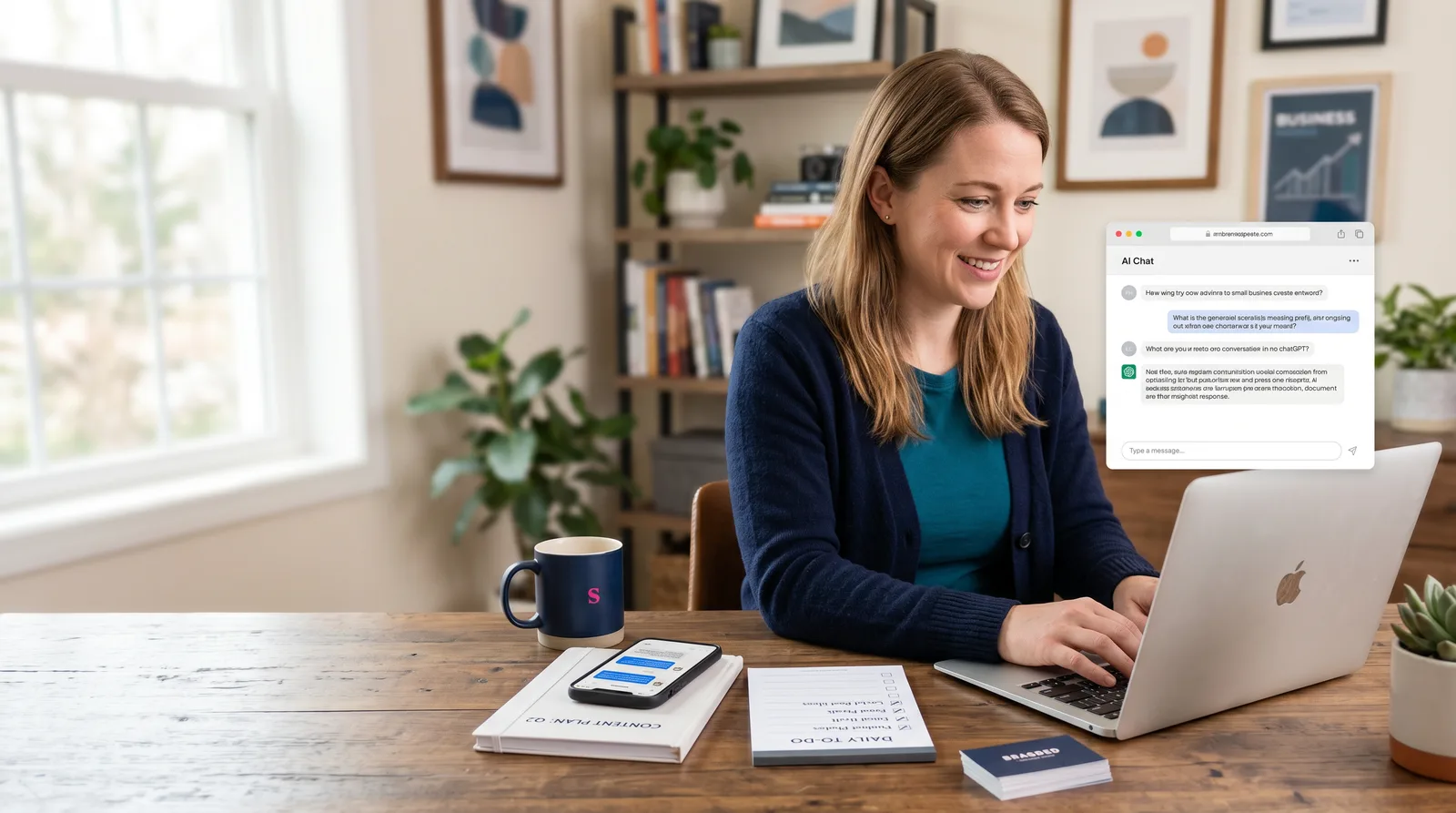
“I knew ChatGPT could help my business. I just didn’t know what to type, where to start, or how to make it sound like me.”
— LBD Academy
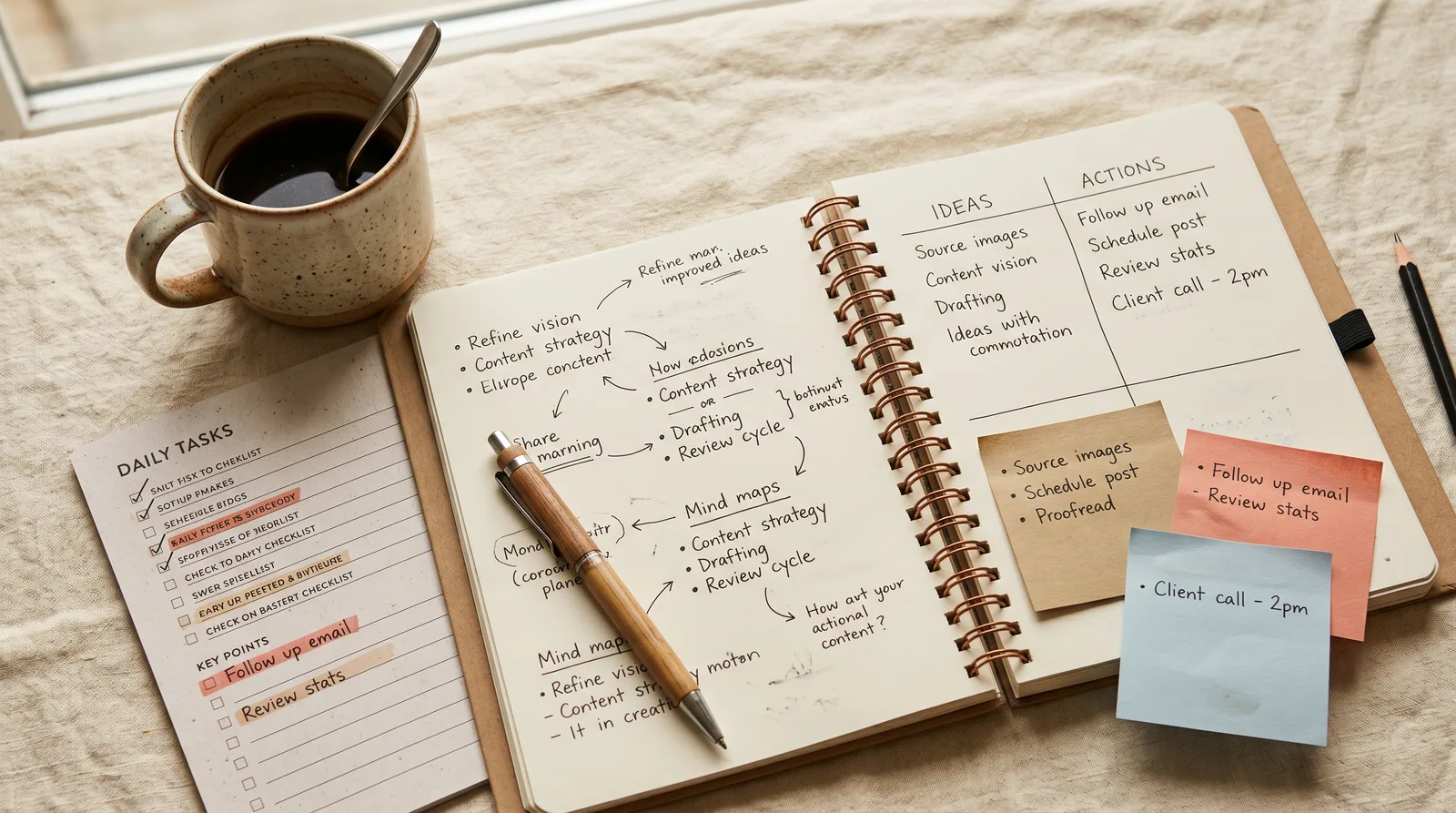
What you'll learn
What you'll be able to do
- Stop staring at a blank ChatGPT screen and finally know what to type
- Use the simple B.O.S.S. framework to write prompts that get better answers faster
- Make ChatGPT sound more like your business with a personalized Business Profile
- Turn messy ideas into usable captions, emails, FAQs, and customer replies in minutes
- Learn how ChatGPT can help with Canva flyer text, carousel copy, and simple design briefs
- Walk away with your own Starter Kit: reusable prompts for content, emails, planning, customer replies, and Canva
How it works
From confused to confident in one starter course
You do not need to learn every AI tool. This course gives you a simple way to start using ChatGPT for real small business tasks today.
Start with the basics
Learn what ChatGPT can help with, what to avoid, and how to stop feeling lost when you open it.
Use the B.O.S.S. prompt method
Follow a simple framework so you know exactly what to type for content, emails, customer replies, planning, and more.
Build your own starter kit
Walk away with reusable prompts, a business profile, and simple ChatGPT workflows you can use again and again.
The curriculum
What's inside your school
6 modules · 15 lessons

ChatGPT Basics for Business Owners
Before you type a single word into ChatGPT, you need to know what it is, what it is good at, and where it falls short. This module gives you a plain-English foundation — no tech background required. You will also get a quick, confident tour of your paid account and learn the two most important habits every business owner should have: protecting their privacy and fact-checking their results.
- 1.1What Is ChatGPT and How Does It Work?Included
- 1.2What ChatGPT Can Do — and What It CannotIncluded
- 1.3Your Paid Account — A Quick TourIncluded
Better Prompts With B.O.S.S.
The quality of what ChatGPT gives you depends almost entirely on what you type. This module teaches you the B.O.S.S. Prompt Framework — a four-part formula that turns vague requests into clear, specific instructions — plus the R.I.F.E. Follow-Up Method for refining any answer until it is ready to use. By the end, you will write strong prompts on the first try and know exactly how to improve results that are not quite right.
- 2.1Why Most Prompts Fail — and the Simple FixIncluded
- 2.2The B.O.S.S. Prompt FrameworkIncluded
- 2.3The R.I.F.E. Follow-Up MethodIncluded
- 2.4B.O.S.S. and R.I.F.E. in Action — Real Business PromptsIncluded
Personalizing ChatGPT for Your Business
Generic answers are the number-one complaint beginners have about ChatGPT. The fix is personalization. This module shows you how to set up ChatGPT's memory and settings so it already knows your business before you type a single prompt — and walks you through building a Business Profile you can paste into any conversation to instantly get answers that sound like you.
- 3.1Settings, Memory, and Saved PreferencesIncluded
- 3.2Build Your Business ProfileIncluded
Everyday Business Uses
This is where everything you have learned becomes immediately useful. Using your Business Profile and B.O.S.S. prompts, you will practice the most common tasks small business owners need help with every single week: writing captions, sending emails, replying to customers, creating FAQs, describing your services, and putting together simple plans and checklists. Every lesson includes copy-and-paste prompt examples you can use the same day.
- 4.1Content and CaptionsIncluded
- 4.2Emails and Customer RepliesIncluded
- 4.3FAQs, Service Descriptions, and Simple PlansIncluded
Canva Basics With ChatGPT
You do not need to be a designer to create great-looking visuals — especially when ChatGPT helps you figure out exactly what to say and how to organize it before you open Canva. This module gives you a beginner overview of how ChatGPT fits into a Canva workflow: writing the words, building the outline, and describing the design so the creative part becomes much easier. Note: Canva features and ChatGPT integrations vary by account type. Advanced Canva design is covered in a future course.
- 5.1How ChatGPT and Canva Work TogetherIncluded
- 5.2Prompts for Flyers, Carousels, Presentations, and Design BriefsIncluded
Your ChatGPT Starterkit — Final Project
This is your graduation project — and the most practical thing you will take away from this course. You will pull together everything you have built across all five modules into one personal ChatGPT Starterkit: your Business Profile, five reusable prompts covering the tasks you use most, and a simple system for using them week after week. By the end of this lesson, you will have a real, working tool — not just notes.
- 6.1Assemble Your Personal ChatGPT StarterkitIncluded
Who it's for
Is this you?

The “I know I should be using AI” business owner
You keep hearing that ChatGPT can save time, but you still feel unsure where to start or what to type.
The overwhelmed solo business owner
You are doing the work, answering customers, creating content, and managing the business. You need simple help, not another complicated tool.
The content-stuck business owner
You need captions, emails, FAQs, and service descriptions, but staring at a blank screen keeps slowing you down.
The not-techy entrepreneur
You do not want jargon, complicated tutorials, or advanced AI training. You want plain steps you can actually follow.
The Canva creator
You already use Canva or want to. This course shows how ChatGPT can help with flyer text, carousel copy, presentation outlines, and design briefs.

The new or growing small business owner
You are building your business and need faster ways to plan, write, organize ideas, and show up more consistently.
Questions
Frequently asked
Your teacher
A note from your teacher
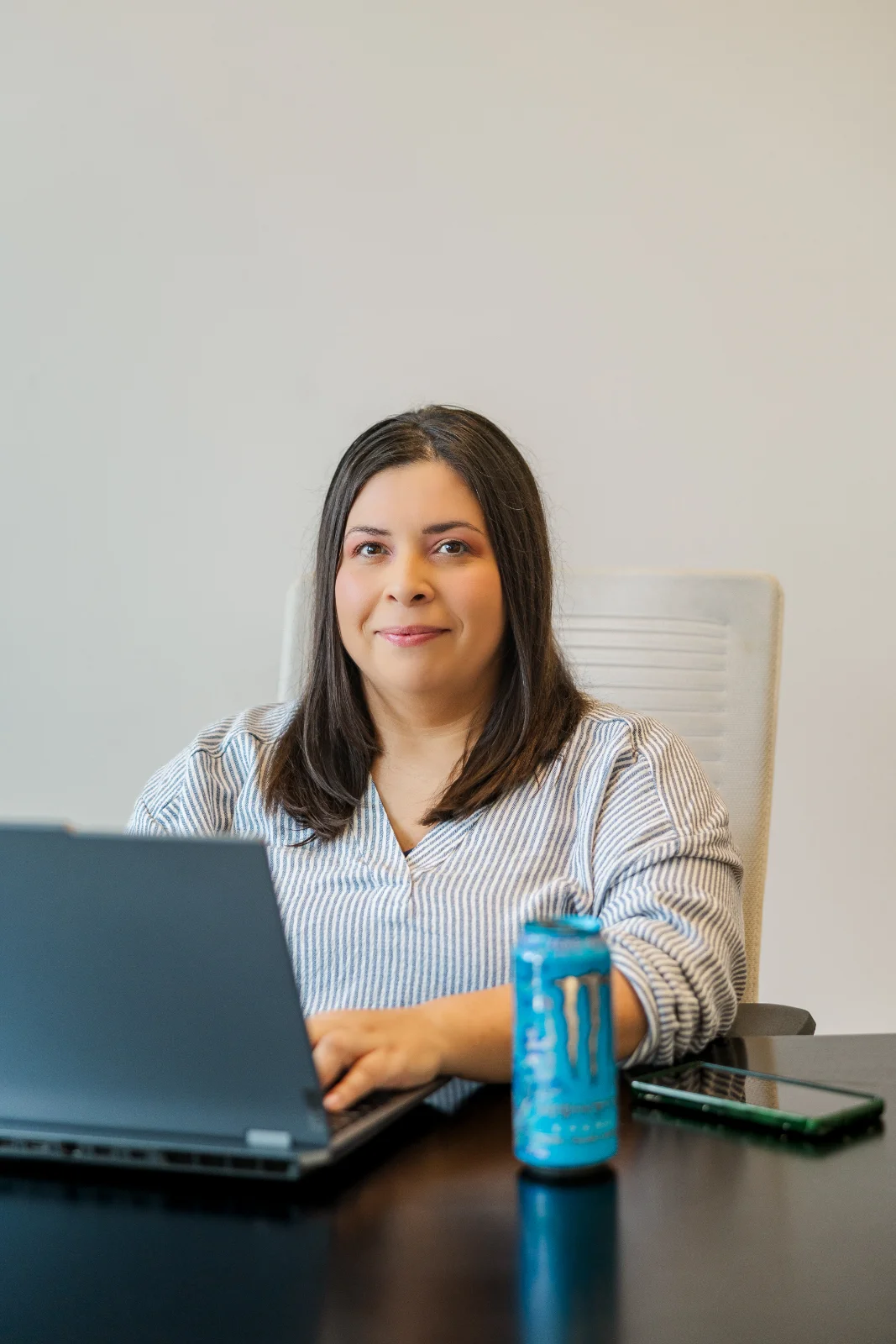
LBD Academy
Hey — I’m glad you’re here.
If you’ve opened ChatGPT, typed one or two things, and thought, “This is not helping me,” you are not the problem.
Most small business owners were never taught how to talk to it.
Here's the truth: ChatGPT is genuinely powerful for small business owners. But it's a little bit like a new hire who doesn't know anything about your business yet. If you just say "write me something for Instagram," you're going to get something bland and off-brand. But if you learn how to give it real context — your business, your tone, your customer, what you actually need — it becomes one of the most useful tools you've ever had. That's what this whole course is about.
ChatGPT can help with captions, emails, customer replies, planning, Canva copy, FAQs, and more — but only when you give it the right kind of instructions. That is what this course is for.
I created ChatGPT Starterkit for Small Business Owners to give you a simple starting point. No tech overwhelm. No complicated AI terms. No giant course you never finish.
You’ll learn the B.O.S.S. prompt framework, the R.I.F.E. follow-up method, and how to create a simple Business Profile so ChatGPT can give you answers that sound more like your business.
By the end, you’ll have your own Starterkit with reusable prompts for content, emails, customer replies, planning, and Canva-related projects.
You do not need to become an AI expert.
You just need to stop guessing what to type.
By the end of this course, you'll have a personalized Business Profile set up inside ChatGPT, a solid handle on using it for the day-to-day stuff (content, emails, FAQs, Canva copy, planning), and your own Starterkit of five reusable prompts you can go back to again and again. That's a real, working system — not just a bunch of notes you'll never open again.
Come on in. You've got this.
— LBD Academy
Start your journey today
Get instant access — learn at your own pace with an AI coach in your corner.
$27 · 30 days access
One-time payment · no subscription
Secure checkout · Instant access
- 6 modules, 15 lessons
- AI-adaptive lessons tuned to your level
- Quizzes & checkpoints to lock in progress
- Your own AI learning coach
- Learn on any device, at your pace
- 30 days of full access