Fill Your Classrooms Without the Chaos
Master the CRM and enrollment tools that turn inquiry forms into enrolled families — built step-by-step for childcare directors who are done managing waitlists on spreadsheets and sticky notes.

The right system doesn't just save you time — it builds the kind of family experience that fills your classrooms for you.
— Wanda Holmes
What you'll learn
What you'll be able to do
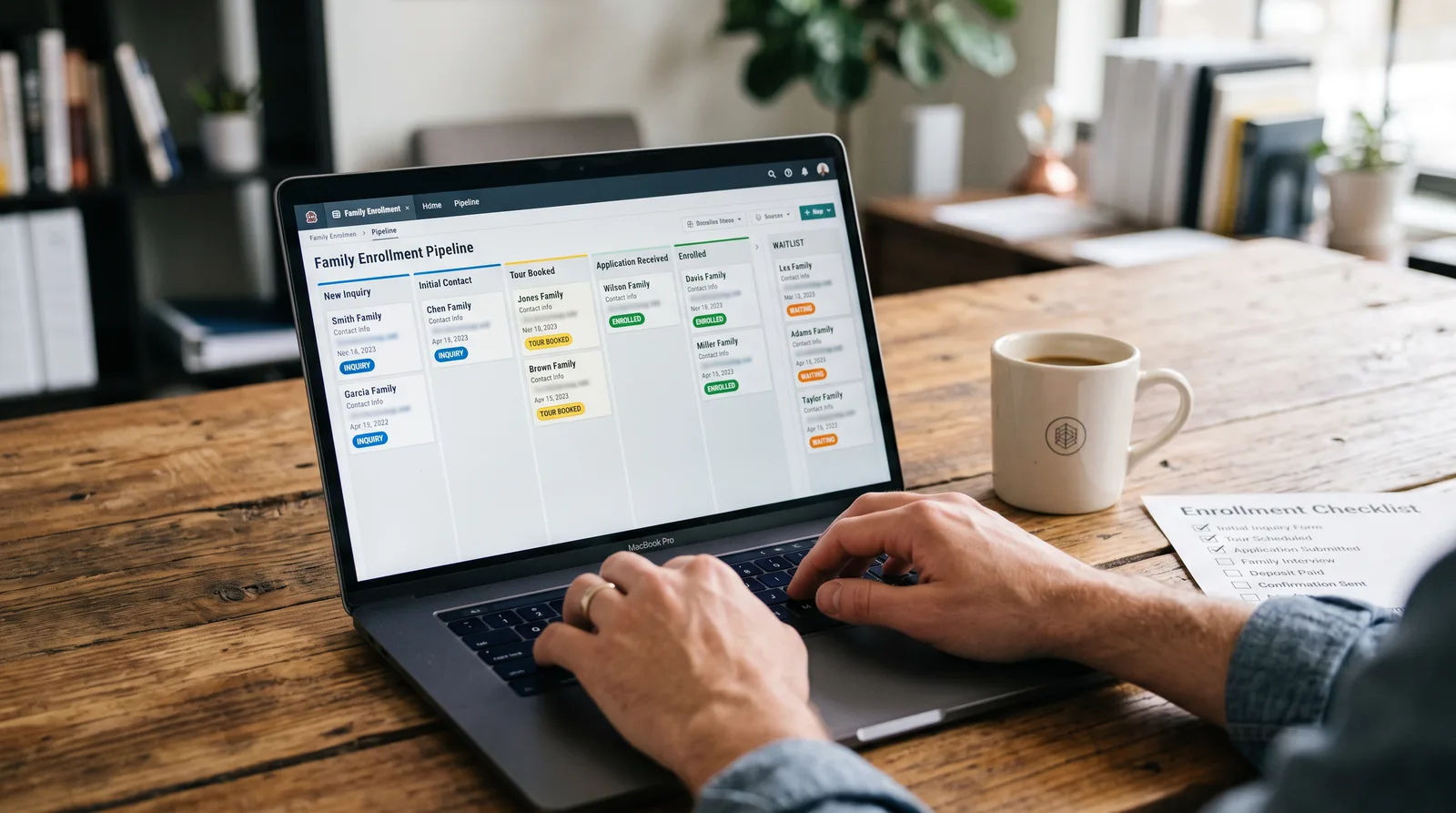
- Set up and customize a CRM system tailored to a childcare center's enrollment pipeline
- Automate family inquiry follow-ups and tour scheduling to reduce no-shows and lost leads
- Build and manage a digital waitlist that converts prospective families into enrolled students
- Track enrollment metrics and generate reports that inform smarter capacity decisions
- Use communication tools inside CRM software to send newsletters, reminders, and re-enrollment campaigns
- Integrate enrollment software with billing and attendance systems for an end-to-end admin workflow
How it works
A school that adapts to you
This isn't a set of static videos. Every lesson is generated live and tuned to where you actually are.
We learn your level
A quick placement check tailors your starting point so you're never bored or lost.
Lessons adapt as you go
Each lesson is written for your pace and your goal, adjusting as your skills grow.
Your AI coach keeps you moving
Checkpoints, feedback, and gentle nudges turn progress into a real result.
The curriculum
What's inside your school
6 modules · 25 lessons

Getting Started: Setting Up Your Childcare CRM
Covers the foundational steps to configure a CRM system that fits a childcare center's unique enrollment workflow.
- 1.1Why CRMs Transform Childcare OperationsIncluded
- 1.2Choosing the Right CRM for Your CenterIncluded
- 1.3Building Your Enrollment Pipeline from ScratchIncluded
- 1.4Importing Families and Organizing Your ContactsIncluded
- 1.5User Roles, Permissions, and Team SetupIncluded
Capturing and Nurturing Family Inquiries
Covers how to attract, capture, and professionally follow up with prospective families so no lead slips through the cracks.
- 2.1Setting Up Inquiry Forms on Your Website and Social MediaIncluded
- 2.2Automating Your First-Response Follow-UpIncluded
- 2.3Scheduling and Confirming Center ToursIncluded
- 2.4Lead Scoring: Prioritizing Your Hottest ProspectsIncluded
Waitlist Management and Enrollment Conversion
Covers building a digital waitlist, moving families through the enrollment funnel, and completing the enrollment process efficiently.
- 3.1Building and Launching Your Digital WaitlistIncluded
- 3.2Automating Waitlist Communications and Status UpdatesIncluded
- 3.3Converting Waitlisted Families to Enrolled StudentsIncluded
- 3.4Digital Enrollment Packets and e-Signature WorkflowsIncluded
Communication Campaigns That Keep Families Engaged
Covers using the CRM's built-in communication tools to send newsletters, reminders, and re-enrollment campaigns that strengthen family relationships.
- 4.1Designing Newsletter Templates for Your Center's BrandIncluded
- 4.2Scheduling Automated Reminders and AnnouncementsIncluded
- 4.3Running Re-Enrollment Campaigns for Current FamiliesIncluded
- 4.4Two-Way Texting and Inbox ManagementIncluded
Tracking Enrollment Metrics and Generating Reports
Covers setting up dashboards and running reports that turn CRM data into actionable decisions about capacity, staffing, and growth.
- 5.1Understanding Your Enrollment DashboardIncluded
- 5.2Building Custom Reports for Capacity PlanningIncluded
- 5.3Tracking Lead Source PerformanceIncluded
- 5.4Sharing Reports with Owners and BoardsIncluded
Integrating CRM with Billing, Attendance, and Beyond
Covers connecting your CRM and enrollment software to billing and attendance systems so your entire admin workflow runs from one ecosystem.
- 6.1Connecting Enrollment Software to Your Billing PlatformIncluded
- 6.2Syncing Enrollment Data with Attendance TrackingIncluded
- 6.3Using Zapier and Native Integrations to Fill the GapsIncluded
- 6.4Auditing and Maintaining Your Tech Stack Long-TermIncluded
Who it's for
Is this you?

First-time directors
Just stepped into a director role and needs to build a professional enrollment system from scratch, not inherit a folder of spreadsheets.

Seasoned center owners
Runs a well-established center but knows the manual processes that got her here won't scale — and is ready to modernize without the overwhelm.

Multi-site administrators
Manages enrollment across more than one location and needs consistent, trackable systems that work the same way at every site.

Waitlist managers
Has a full waitlist but struggles to convert it into actual enrollments and wants automated workflows that keep prospective families warm.

Marketing-minded directors
Wants to run branded newsletters and re-enrollment campaigns that keep current families engaged and reduce year-end attrition.

Operational upgraders
Already uses some enrollment software but only scratches the surface — ready to unlock billing integrations, reporting, and automation that save hours every week.
Questions
Frequently asked
Your teacher
A note from your teacher

Wanda Holmes
If you're reading this, I'm guessing your day looks something like this: a parent inquiry came in yesterday and you haven't had a chance to respond, your waitlist lives in a spreadsheet that only you fully understand, and somewhere in your inbox is a re-enrollment reminder you keep meaning to send. You're not disorganized — you're just running a childcare center, which means you're doing the work of three people before lunch.
I built this course because I've been in that exact spot. I know what it's like to lose a great family to a competitor not because they weren't interested, but because the follow-up fell through the cracks. I know what it's like to have a full waitlist and still scramble to fill a spot because the system for moving families through it didn't really exist. And I know what it's like to wish you had a clear picture of your enrollment numbers — without spending a Sunday afternoon building a report in Excel.
The good news is that the tools exist to fix all of this. CRM and enrollment software designed for childcare centers can handle your inquiry follow-ups automatically, keep your waitlist moving, send your re-enrollment campaigns on schedule, and give you clean, real-time data on how your center is performing. The challenge isn't that the technology is complicated — it's that nobody has walked you through how to set it up for the specific rhythms of a childcare operation. That's exactly what this course does.
Every lesson in Childcare CRM Pro is built around what you actually need to run a thriving, organized center. We start with getting your CRM set up correctly — pipeline, contacts, team roles — and we build all the way through to connecting your enrollment software with your billing and attendance systems. No fluff, no theory for its own sake. Just clear, practical walkthroughs you can implement at your center right away.
I designed this for directors and administrators who are serious about running a professional, responsive operation — and who know that the right systems don't just save time, they build the kind of family experience that fills classrooms through word of mouth. I'm glad you're here. Let's build something that actually works.
— Wanda Holmes
Start your journey today
Get instant access — learn at your own pace with an AI coach in your corner.
$97/mo
Recurring billing · cancel anytime
Secure checkout · Instant access
- 6 modules, 25 lessons
- AI-adaptive lessons tuned to your level
- Quizzes & checkpoints to lock in progress
- Your own AI learning coach
- Learn on any device, at your pace
- Full access for as long as you're subscribed