Get more done with Microsoft Copilot — starting today
Master Copilot inside Word, Excel, Outlook, and Teams with step-by-step guidance built for real work — no tech background, no jargon, no guesswork.
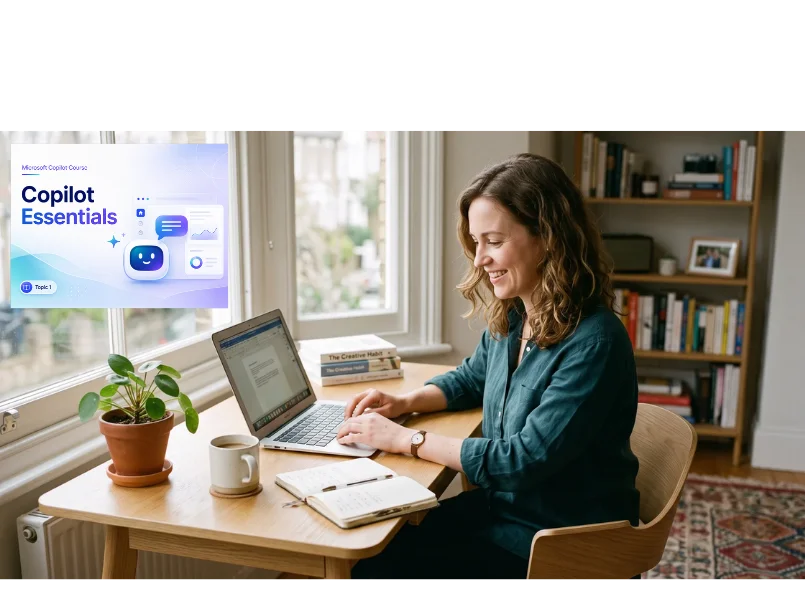
I built this school because great AI tools shouldn't require a tech degree — just a patient guide and a bit of practice.— Dawn Olson
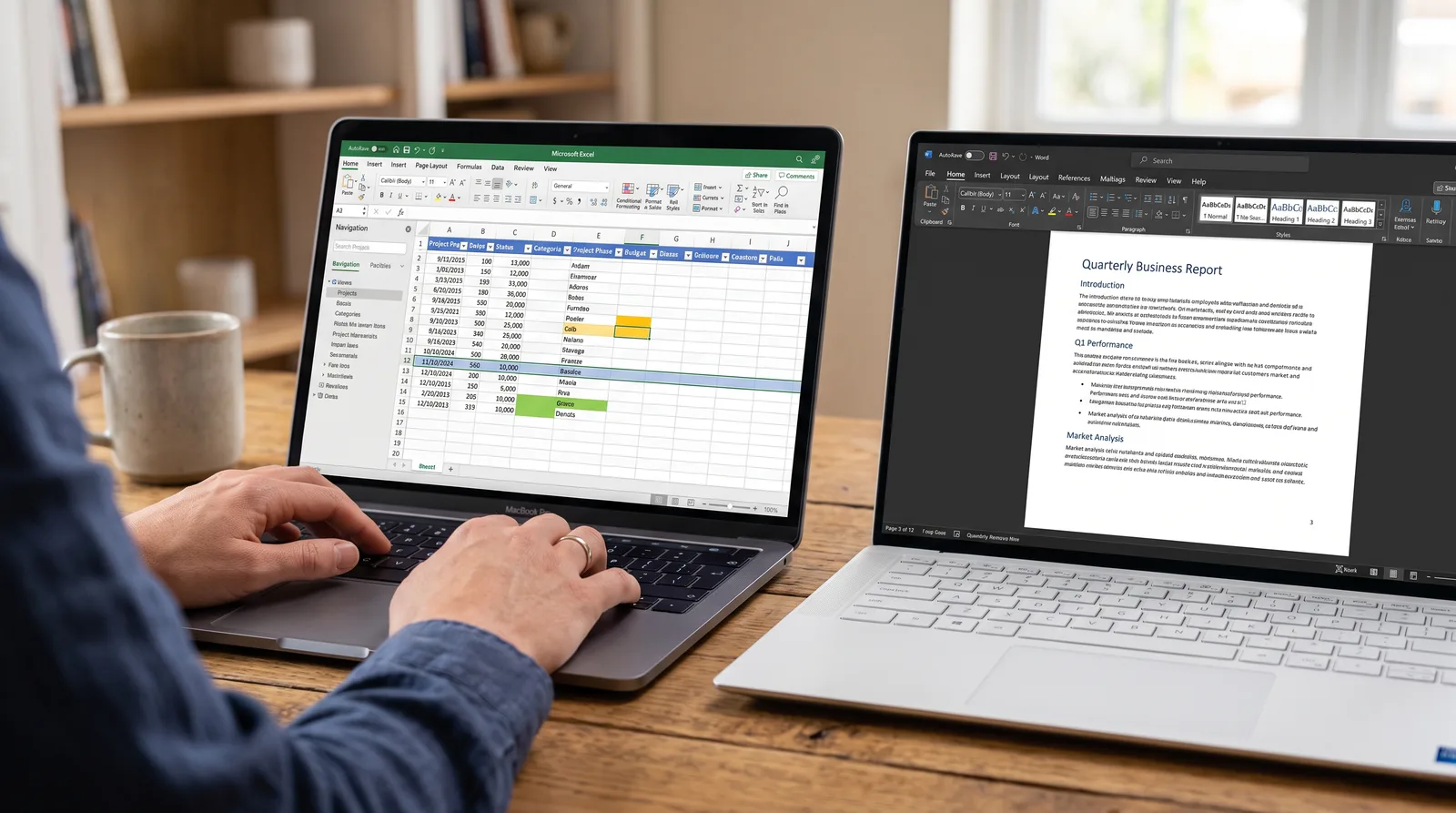
What you'll learn
What you'll be able to do
- Write effective prompts that get useful, accurate results from Copilot on the first try
- Use Copilot in Microsoft Word to draft, summarise, and edit documents in minutes
- Leverage Copilot in Excel to analyse data, generate formulas, and spot trends without prior spreadsheet expertise
- Manage your inbox faster by using Copilot in Outlook to summarise threads, draft replies, and schedule meetings
- Collaborate smarter in Microsoft Teams by using Copilot to recap meetings and surface action items automatically
- Build a personal prompt library of reusable templates that save hours of repetitive work every week
How it works
A school that adapts to you
This isn't a set of static videos. Every lesson is generated live and tuned to where you actually are.
We learn your level
A quick placement check tailors your starting point so you're never bored or lost.
Lessons adapt as you go
Each lesson is written for your pace and your goal, adjusting as your skills grow.
Your AI coach keeps you moving
Checkpoints, feedback, and gentle nudges turn progress into a real result.
The curriculum
What's inside your school
6 modules · 23 lessons

Getting Started with Microsoft Copilot
Introduces what Copilot is, how it works, and how to access it across Microsoft 365 so learners feel confident before writing their first prompt.
- 1.1What Is Microsoft Copilot and Why It MattersIncluded
- 1.2Setting Up and Accessing Copilot in Microsoft 365Included
- 1.3How Copilot Thinks: Understanding AI in Plain EnglishIncluded
Writing Prompts That Actually Work
Teaches learners the principles of effective prompting so they get accurate, useful results from Copilot on the very first try.
- 2.1The Anatomy of a Great PromptIncluded
- 2.2Common Prompting Mistakes and How to Avoid ThemIncluded
- 2.3Refining and Iterating: Getting Better Results with Follow-Up PromptsIncluded
- 2.4Prompts for Different Goals: Summarising, Drafting, and AnalysingIncluded
Copilot in Microsoft Word
Covers how to use Copilot inside Word to draft, rewrite, summarise, and polish professional documents in minutes.
- 3.1Drafting Documents from Scratch with CopilotIncluded
- 3.2Summarising and Condensing Long DocumentsIncluded
- 3.3Editing, Rewriting, and Changing ToneIncluded
- 3.4Real-World Practice: Build a Work Document from Prompt to Final DraftIncluded
Copilot in Microsoft Excel
Empowers learners to use Copilot in Excel to analyse data, generate formulas, and uncover trends — no prior spreadsheet expertise needed.
- 4.1Asking Copilot to Explain and Explore Your DataIncluded
- 4.2Generating Formulas Without Knowing the SyntaxIncluded
- 4.3Spotting Trends and Highlighting Key FindingsIncluded
- 4.4Creating Charts and Visual Summaries with CopilotIncluded
Copilot in Outlook and Teams
Shows learners how to reclaim time by using Copilot to manage their inbox, draft communications, and stay on top of meetings in Outlook and Teams.
- 5.1Summarising Long Email Threads in SecondsIncluded
- 5.2Drafting Professional Email Replies with CopilotIncluded
- 5.3Scheduling Meetings and Managing Your Calendar with CopilotIncluded
- 5.4Recapping Meetings and Surfacing Action Items in TeamsIncluded
Building Your Personal Prompt Library
Helps learners consolidate everything they have learned by creating a reusable set of prompt templates tailored to their own work routines.
- 6.1What Is a Prompt Library and Why You Need OneIncluded
- 6.2Identifying Your Most Repetitive TasksIncluded
- 6.3Writing and Saving Your Own Reusable Prompt TemplatesIncluded
- 6.4Putting It All Together: Your Copilot-Powered WorkdayIncluded
Who it's for
Is this you?

Inbox-Overwhelmed Professional
You're drowning in emails and back-to-back meetings — Copilot in Outlook and Teams will help you reclaim your day.

Small Business Owner
You wear every hat in your business, and this school shows you how to use Copilot to handle writing, data, and admin in a fraction of the time.

Spreadsheet Avoider
Excel has always felt like a foreign language — until you can just ask Copilot what your data means and have it build the formula for you.

First-Time AI Experimenter
You've heard a lot about AI but haven't known where to start — this school gives you a jargon-free, confidence-building entry point.

Office Administrator
You handle documents, scheduling, and communications all day — Copilot across Word, Outlook, and Teams is built for exactly your role.

Team Leader or Manager
You need to keep your team aligned and your output polished — Copilot's meeting recaps, action item summaries, and document drafting have you covered.
Questions
Frequently asked
Your teacher
A note from your teacher

Dawn Olson
If you've opened Microsoft Copilot, typed something in, and thought "okay… now what?" — you're in the right place.
Most people I talk to aren't sceptical about AI. They actually want to use it. They've heard what it can do, they can see it right there in their Microsoft 365 apps, and they genuinely want to get more done. The problem isn't motivation — it's that nobody has sat down and walked them through it in plain, practical terms. So they type a vague prompt, get a vague answer, shrug, and go back to doing things the slow way. That's such a shame, because the tools are genuinely capable — they just need to be pointed in the right direction.
That's what this school is for. I built it to be the resource I wish existed when I first started working with Copilot: straightforward, grounded in real tasks, and completely free of the tech-speak that makes so many AI courses feel like they were written for someone else. We start right at the beginning — what Copilot is, how it actually thinks, and how to get your Microsoft 365 setup sorted — and then we move through Word, Excel, Outlook, and Teams one step at a time. Every section is built around the kinds of things you actually do at work, not made-up examples that don't translate to real life.
I want to be honest with you about something: Copilot won't do everything for you, and it works best when you understand how to work with it. That's why a big part of this school is about prompting — how to ask for what you want in a way that gets you a genuinely useful result. Once that clicks, everything else gets much easier. And by the time we build your personal prompt library at the end, you'll have templates designed around your job and your repetitive tasks — not generic examples from a textbook.
You don't need a tech background. You don't need to understand how AI works under the hood. You just need to be willing to try things alongside me, one lesson at a time. I'll be here every step of the way — patient, specific, and always focused on what's actually useful to you.
Come on in. Let's make your workday a bit easier.
— Dawn Olson
Start your journey today
Join get instant access — learn at your own pace with an AI coach in your corner.
$147/mo
Recurring billing · cancel anytime
Secure checkout · Instant access
- 6 modules, 23 lessons
- AI-adaptive lessons tuned to your level
- Quizzes & checkpoints to lock in progress
- Your own AI learning coach
- Learn on any device, at your pace
- Full access for as long as you're subscribed