Turn your screen into a canvas — and make art you're actually proud of
A hands-on beginner course that teaches teens ages 13–17 the core skills of digital art and graphic design — from color theory and typography to logo design and poster creation — using real design software and creative projects every step of the way.

"I believe every teen has a designer inside them — this course just hands them the tools to let it out."— • BETWEEN WORLDS •
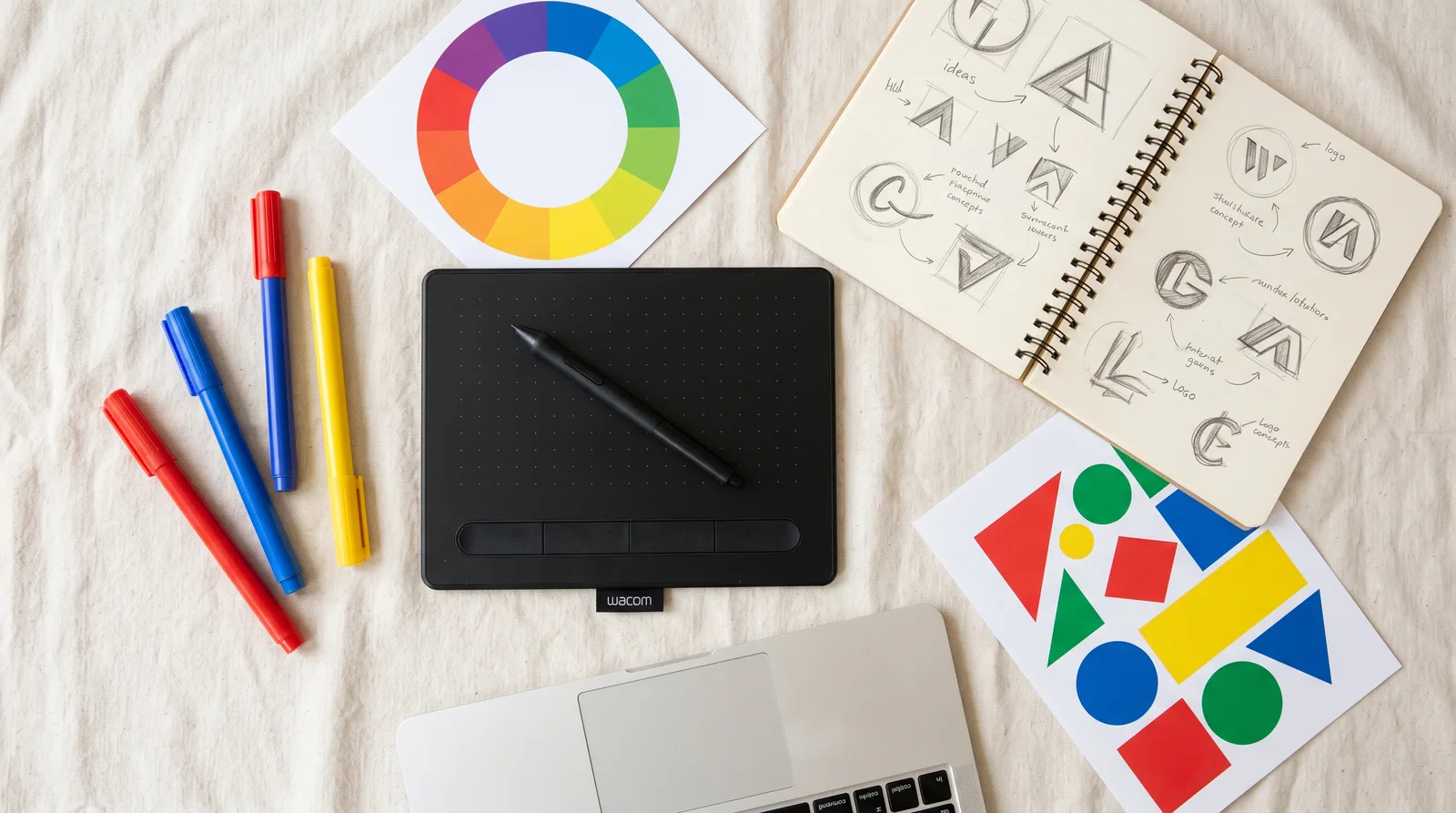
What you'll learn
What you'll be able to do
- Use beginner-friendly design software confidently to create original digital artwork from scratch
- Apply core color theory principles — hue, contrast, and palette building — to make designs that feel intentional and polished
- Understand and use typography rules to pair fonts, set hierarchy, and make text look professional
- Design an original logo using shapes, color, and concept thinking like a real graphic designer
- Build a complete eye-catching poster by combining layout, imagery, and type into a unified composition
- Complete a final capstone project — a personal logo or poster — to showcase in a real design portfolio
How it works
A school that adapts to you
This isn't a set of static videos. Every lesson is generated live and tuned to where you actually are.
We learn your level
A quick placement check tailors your starting point so you're never bored or lost.
Lessons adapt as you go
Each lesson is written for your pace and your goal, adjusting as your skills grow.
Your AI coach keeps you moving
Checkpoints, feedback, and gentle nudges turn progress into a real result.
The curriculum
What's inside your school
6 modules · 18 lessons
Getting Started: Your Digital Design Studio
Students are introduced to the world of digital art and graphic design. This foundational module establishes what design is, why it matters, and gets every student confidently set up with beginner-friendly software before touching any creative tools. Completing this module first ensures no student is left behind due to technical barriers.
- 1.1Welcome to Digital DesignIncluded
- 1.2Setting Up Your WorkspaceIncluded
- 1.3Drawing and Shaping DigitallyIncluded
Color Theory: Making Colors Work for You
Color is one of the most powerful and most misunderstood tools in a designer's kit. This module teaches students the science and art behind color — from the foundational color wheel to advanced palette building — so every color choice they make from this point forward is intentional, not accidental. Placed before typography and logo work so students can apply color principles immediately in subsequent modules.
- 2.1The Color Wheel and Color RelationshipsIncluded
- 2.2Hue, Saturation, Value, and ContrastIncluded
- 2.3Building Palettes and Setting the MoodIncluded
Typography: Making Words Look Amazing
Typography is the backbone of nearly every design. Students learn to treat text not just as words but as a visual element with weight, personality, and hierarchy. This module is sequenced after Color Theory so students can apply color and type together, and before Logo and Poster Design so they enter those modules with full typographic confidence.
- 3.1Font Families and Type PersonalitiesIncluded
- 3.2Hierarchy, Spacing, and ReadabilityIncluded
- 3.3Font Pairing and Typography in Real DesignsIncluded
Logo Design: Think Like a Brand Designer
Students apply their drawing, color, and typography skills together for the first time in a real design brief: creating an original logo. The module mirrors professional design workflow — from concept research and sketching through digital execution and refinement — so students experience what real designers actually do, not just software mechanics.
- 4.1What Makes a Great Logo?Included
- 4.2Concept Thinking and Sketching Your IdeaIncluded
- 4.3Building Your Logo in the SoftwareIncluded
Poster Design: Layout, Imagery, and Composition
Students now work at a larger, more complex design scale — the poster — where layout, imagery, color, and typography must all work together as a unified composition. This module introduces professional layout principles and image-handling skills that were not needed in the logo module, building students' ability to manage multiple design elements simultaneously.
- 5.1Layout Principles and the Design GridIncluded
- 5.2Working with Images and Visual HierarchyIncluded
- 5.3Designing a Complete Event PosterIncluded
Capstone: Your Personal Design Portfolio Piece
The capstone module brings the entire course together. Students choose to create either an original logo or a poster as their personal portfolio centerpiece, moving through a compressed but complete professional design process: planning, building, refining, and presenting. The final deliverable is a real portfolio piece students can share with schools, competitions, or future employers.
- 6.1Planning Your Capstone ProjectIncluded
- 6.2Building and Refining Your CapstoneIncluded
- 6.3Portfolio Presentation and CelebrationIncluded
Who it's for
Is this you?

The Curious Creator
They love making things but have never tried digital tools — this course gives them a structured, exciting first step into real design software.

The Sketchbook Artist
They can draw but want to level up to digital — learning color theory, typography, and layout will take their creativity somewhere new.

The Tech-Curious Teen
They're comfortable with screens and gadgets and are dying to make something visually cool — logo and poster design is the perfect creative outlet.

The Future Entrepreneur
They've got big ideas for a brand, a channel, or a business — and learning to design their own logo is the ultimate practical first skill.

The Social Media Enthusiast
They care deeply about aesthetics and visuals online — this course teaches them the exact principles (color, type, layout) that make content look polished.

The Portfolio Builder
They want something real to show colleges, internships, or just the world — the capstone project gives them a genuine, shareable design portfolio piece.
Questions
Frequently asked
Your teacher
A note from your teacher

• BETWEEN WORLDS •
Hey! If you've landed here, I'm guessing there's a teen in your life — maybe that teen is you — who's curious about making things look cool digitally, but isn't quite sure how to start. Maybe you've doodled in notebooks, spent time thinking about why some logos just look right, or wondered how designers make those gorgeous posters and graphics you scroll past every day. That feeling? That's exactly where Digital Art Lab begins. 🎨
I created this course because I know how frustrating it is to want to make something and have no idea where to start. Most design resources are either aimed at professionals (hello, overwhelming jargon 😅) or they skip the important foundations entirely. Neither of those actually helps a beginner build real confidence. So I built something different — a course that starts at the very beginning, speaks your language, and gets you creating actual work from lesson one.
Here's what you'll experience in Digital Art Lab: we set up your creative workspace together, then move through the core building blocks that every designer needs — color theory, typography, logo design, and poster layout. Each module is structured so that by the time we move on, you've already made something using what you just learned. Not a worksheet. Not a quiz. A real design you created yourself. That's the win we're chasing every single lesson.
The biggest thing I want you to know? You don't need to be "talented" to do this. Design is a skill — a learnable, practiceable, genuinely fun skill — and this course is proof of that. By the time you reach your capstone project in Module 6, you won't just have a portfolio piece. You'll have the vocabulary, the eye, and the confidence to call yourself a designer. And honestly? That's the best feeling there is.
So if you're ready to stop wondering what it would be like to make something you're truly proud of — let's get into it. Your digital design studio is waiting. 🚀
— • BETWEEN WORLDS •
Start your journey today
Join get instant access — learn at your own pace with an AI coach in your corner.
$19/mo
Recurring billing · cancel anytime
Secure checkout · Instant access
- 6 modules, 18 lessons
- AI-adaptive lessons tuned to your level
- Quizzes & checkpoints to lock in progress
- Your own AI learning coach
- Learn on any device, at your pace
- Full access for as long as you're subscribed