Set up your home office network — no IT degree needed
Follow a friendly, step-by-step plan to go from tangled cables and weak Wi-Fi to a fast, secure, professional network you built yourself — and know how to fix when something goes wrong.
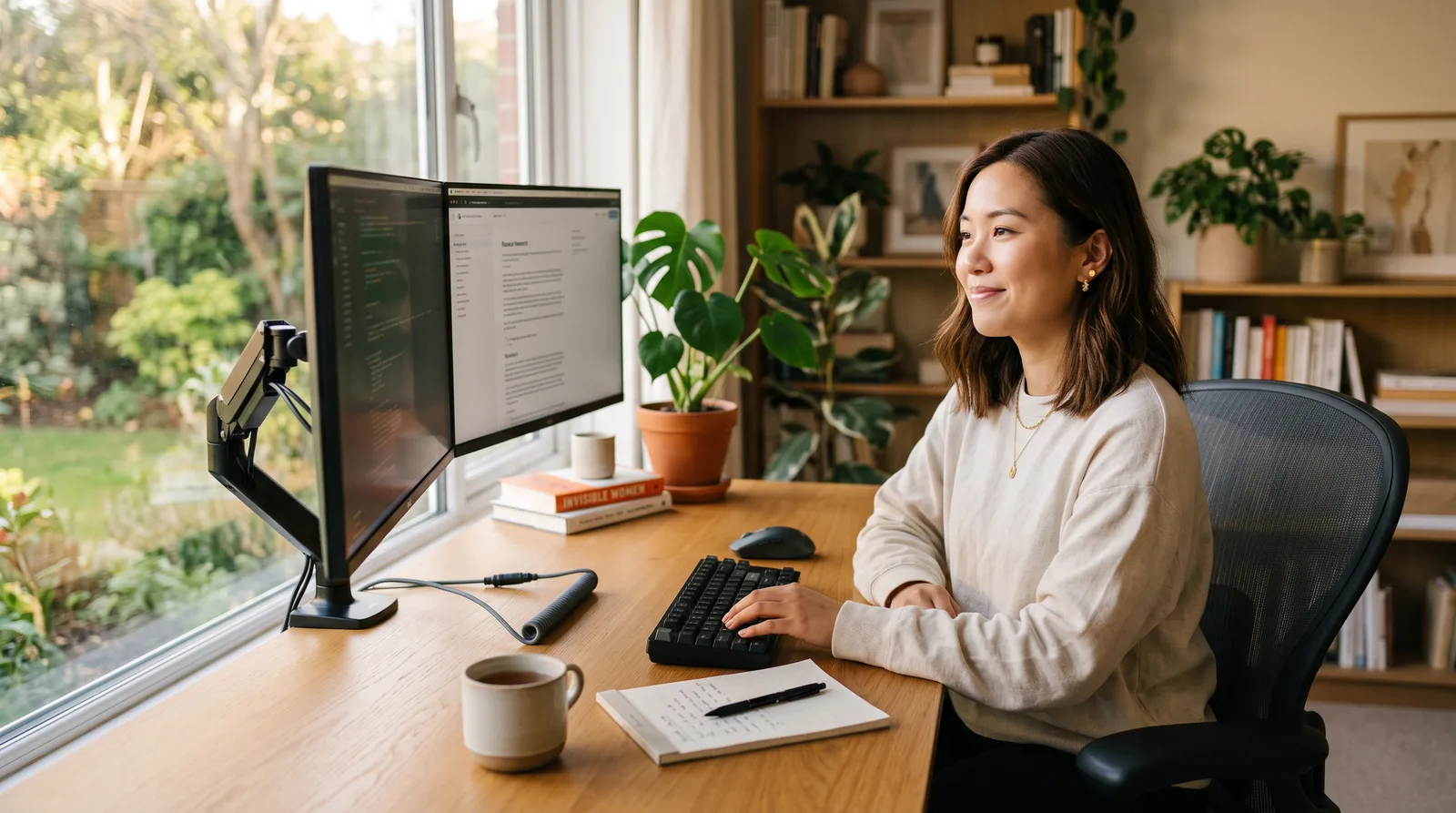
My goal is that by the end, you understand your network well enough that you never have to feel helpless about it again.— Freddy Foster
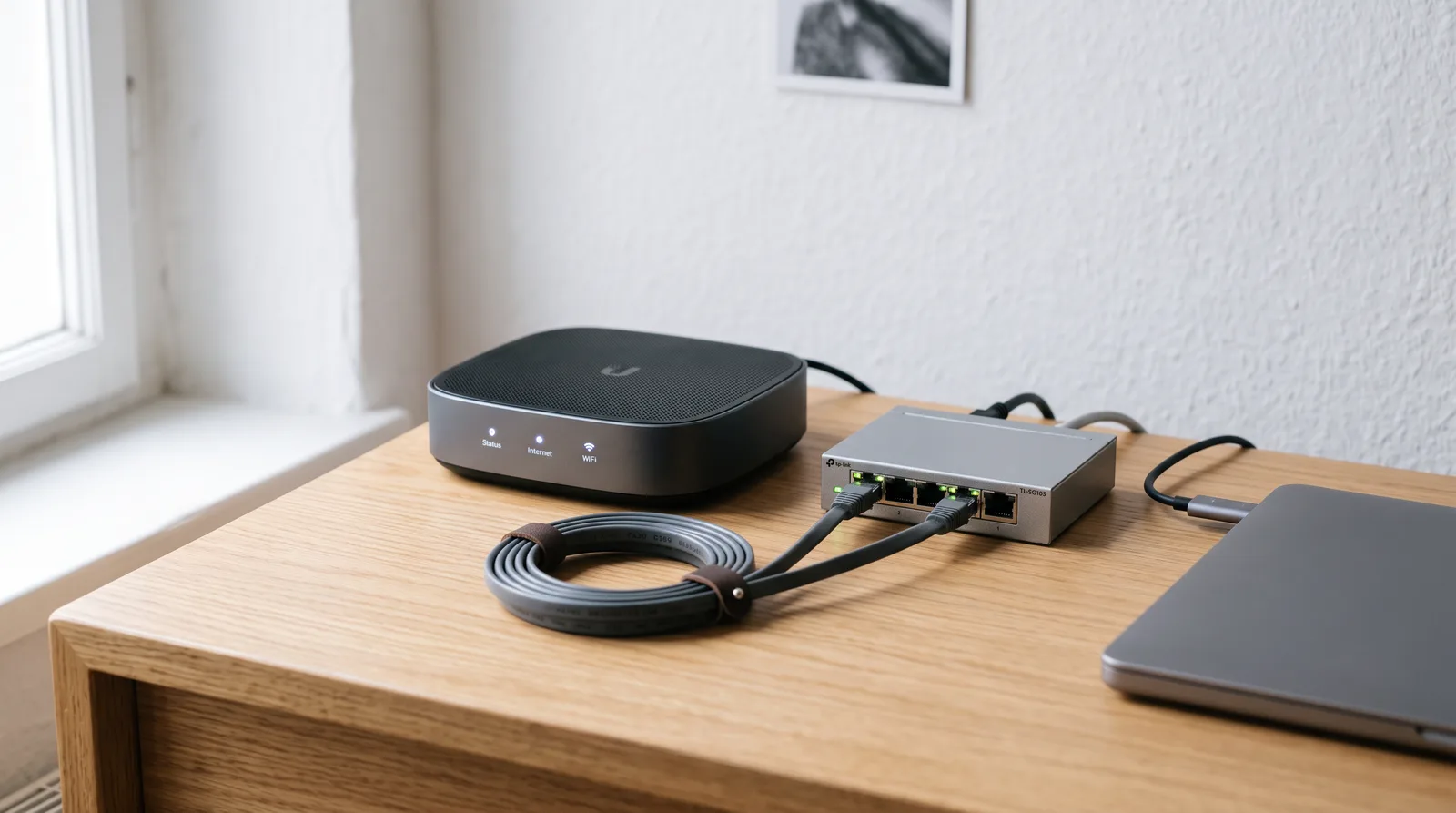
What you'll learn
What you'll be able to do
- Plan and design a home office network layout suited to your space and work needs
- Choose the right router, switches, and accessories without overspending
- Run cables or configure a reliable Wi-Fi mesh system for full-room coverage
- Connect computers, printers, NAS drives, and smart devices to one seamless network
- Secure your network with strong passwords, a guest VLAN, and a basic firewall
- Troubleshoot common connectivity problems quickly and confidently on your own
How it works
A school that adapts to you
This isn't a set of static videos. Every lesson is generated live and tuned to where you actually are.
We learn your level
A quick placement check tailors your starting point so you're never bored or lost.
Lessons adapt as you go
Each lesson is written for your pace and your goal, adjusting as your skills grow.
Your AI coach keeps you moving
Checkpoints, feedback, and gentle nudges turn progress into a real result.
The curriculum
What's inside your school
5 modules · 19 lessons

Plan Your Home Office Network
Assess your space and work needs to design a smart, right-sized network layout before buying anything.
- 1.1Understand How Home Networks WorkIncluded
- 1.2Map Your Space and Work RequirementsIncluded
- 1.3Choose Between Wired, Wi-Fi, or a Mesh SystemIncluded
- 1.4Create Your Network PlanIncluded
Choose and Buy the Right Equipment
Cut through the marketing noise and select routers, switches, and accessories that match your needs and budget.
- 2.1Pick the Right RouterIncluded
- 2.2Switches, Access Points, and Powerline AdaptersIncluded
- 2.3Cables, Connectors, and Small AccessoriesIncluded
Install and Connect Your Network
Physically set up your hardware, run cables or place mesh nodes, and get every device online.
- 3.1Set Up Your Modem and RouterIncluded
- 3.2Run Ethernet Cables Neatly and SafelyIncluded
- 3.3Configure a Wi-Fi Mesh System for Full-Room CoverageIncluded
- 3.4Connect Computers, Printers, NAS Drives, and Smart DevicesIncluded
Secure Your Network Like a Pro
Lock down your home office network with strong credentials, network segmentation, and a basic firewall.
- 4.1Set Strong Passwords and Update FirmwareIncluded
- 4.2Create a Guest Network and VLANIncluded
- 4.3Enable and Configure a Basic FirewallIncluded
- 4.4Use a VPN for Secure Remote AccessIncluded
Troubleshoot and Maintain Your Network
Diagnose and fix common connectivity issues quickly, and keep your network running reliably long-term.
- 5.1Diagnose Slow Speeds and Dropped ConnectionsIncluded
- 5.2Fix the Most Common Home Network ProblemsIncluded
- 5.3Monitor Your Network and Set Up AlertsIncluded
- 5.4Build a Maintenance RoutineIncluded
Who it's for
Is this you?

The New Remote Worker
Recently moved to full-time working from home and needs a reliable, professional setup that won't let her down on important calls.

The Solo Freelancer
Runs her own business from home and wants a secure, fast network she can trust — without paying an IT technician every time something goes wrong.

The Small Business Owner
Manages client work and sensitive data from a home office and needs proper security — guest networks, a firewall, and a VPN — set up correctly.

The Renter Who Can't Drill
Lives in a rented flat and needs a full-coverage network solution that doesn't involve cables through walls or permission from a landlord.

The Multi-Device Household
Juggles work laptops, printers, NAS drives, and smart home gadgets and wants them all talking to each other seamlessly on one well-organised network.

The Confident Upgrader
Already has a basic home network but knows it's a mess — and wants to rebuild it properly, understand what she's doing, and stop just hoping it works.
Questions
Frequently asked
Your teacher
A note from your teacher

Freddy Foster
If you've ever sat on a video call praying the connection holds, or spent 45 minutes on the phone with your ISP only to be told "it must be your router" — I know exactly how that feels. Working from home is supposed to give you freedom and flexibility. A flaky, confusing network setup quietly steals both.
Here's the thing: setting up a solid home office network is genuinely not as complicated as the tech industry likes to make it sound. It just needs someone to explain it in a way that actually makes sense — without the jargon, without the condescension, and without assuming you already know what half the words mean. That's what I built this school to do.
We start at the very beginning: understanding how your home network actually works, mapping out your space, and making a real plan that fits your life. From there, I'll walk you alongside every practical step — choosing your equipment, installing it, connecting all your devices, and then locking the whole thing down so your work data stays secure. By the time we get to troubleshooting, you'll already feel like a different person compared to who you were at lesson one.
I want to be straight with you: this isn't a course that leaves you with a pretty diagram and no idea what to do with it. Every section ends with something real — a decision made, a cable run, a setting configured, a problem solved. The goal is that your home office network is done and working by the time you finish, and that you understand it well enough to maintain it and fix it yourself going forward.
You don't need an IT background. You don't need a big budget. You just need a willingness to follow along, one step at a time. I'll be right there with you — think of it like having a knowledgeable friend sitting across the kitchen table, walking you through it without making you feel silly for asking. That's the whole point. Let's get you connected.
— Freddy Foster
Start your journey today
Join get instant access — learn at your own pace with an AI coach in your corner.
$39/mo
Recurring billing · cancel anytime
Secure checkout · Instant access
- 5 modules, 19 lessons
- AI-adaptive lessons tuned to your level
- Quizzes & checkpoints to lock in progress
- Your own AI learning coach
- Learn on any device, at your pace
- Full access for as long as you're subscribed