Publish your book on Amazon — all by yourself
Take your finished manuscript from raw Word doc to a professionally formatted, published paperback and eBook on Amazon KDP — without hiring a designer. Everything from interior layout to cover creation and hitting "publish."

"Your manuscript deserves to become a real book — and I'll show you every click it takes to make that happen."
— Nina Hershberger
What you'll learn
What you'll be able to do
- Format a print-ready interior manuscript (margins, fonts, headers, page numbers) that meets KDP's exact trim-size specifications.
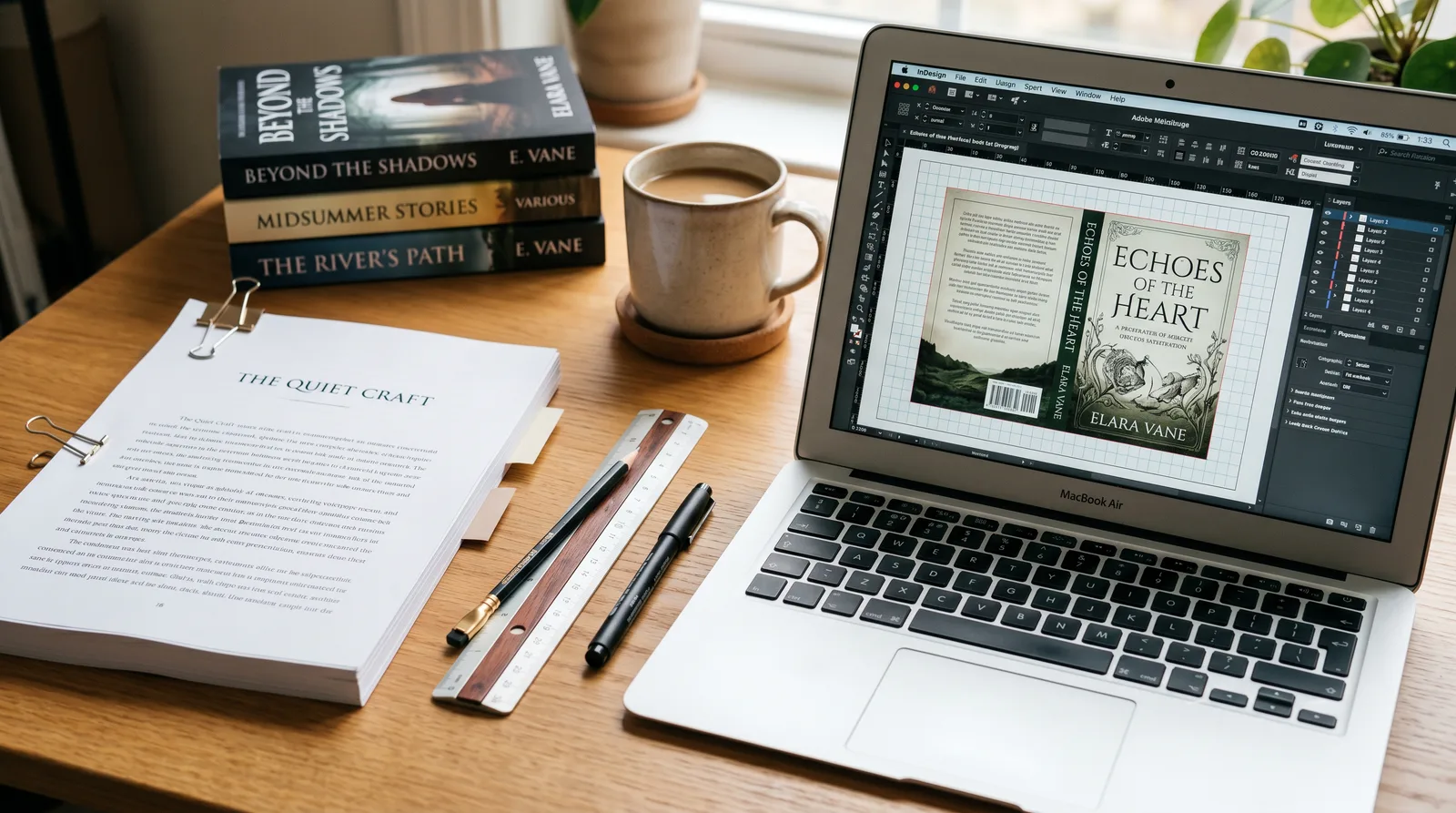
- Design a professional front cover, spine, and back cover using KDP's cover template and free tools like Canva or GIMP.
- Export both a print PDF and a reflowable EPUB/MOBI eBook file that pass KDP's quality checks without errors.
- Set up and navigate an Amazon KDP account, enter metadata, choose categories and keywords, and price your book for maximum visibility.
- Submit your paperback and Kindle eBook files through KDP and confidently interpret and resolve any upload error messages.
- Order and evaluate a physical proof copy, make corrections, and click 'Approve' to officially publish your book on Amazon.
How it works
A school that adapts to you
This isn't a set of static videos. Every lesson is generated live and tuned to where you actually are.
We learn your level
A quick placement check tailors your starting point so you're never bored or lost.
Lessons adapt as you go
Each lesson is written for your pace and your goal, adjusting as your skills grow.
Your AI coach keeps you moving
Checkpoints, feedback, and gentle nudges turn progress into a real result.
The curriculum
What's inside your school
6 modules · 18 lessons

Laying the Foundation: KDP Setup & Manuscript Prep
Before any formatting begins, students establish their KDP account, learn how Amazon's print-on-demand ecosystem works, and prepare a clean manuscript file that is free of hidden formatting conflicts. This prerequisite module ensures every subsequent formatting step starts from a solid, error-free baseline.
- 1.1Setting Up Your Amazon KDP AccountIncluded
- 1.2Understanding KDP's Print SpecificationsIncluded
- 1.3Cleaning Up Your Manuscript FileIncluded
Interior Formatting: Building a Print-Ready Manuscript
Students apply professional book-interior layout principles to their manuscript using their chosen trim size as the guide. By the end of this module they will have a fully formatted, print-ready interior document complete with proper page architecture, consistent typography, and navigational elements.
- 2.1Page Setup: Trim Size, Margins & SectionsIncluded
- 2.2Typography: Fonts, Paragraph Styles & Chapter HeadingsIncluded
- 2.3Headers, Footers & Page NumbersIncluded
- 2.4Exporting a Print-Ready PDFIncluded
eBook Formatting: Creating Your Kindle File
Students learn how reflowable eBook layout differs fundamentally from fixed print layout, then produce a clean EPUB file that passes KDP's automated quality checks and reads well across Kindle devices and apps.
- 3.1How eBooks Differ from Print: Reflowable Layout PrinciplesIncluded
- 3.2Styling & Exporting Your EPUB/MOBI FileIncluded
Cover Design: Front, Spine & Back
Students design a professional, print-ready three-panel book cover (front, spine, and back) using KDP's generated cover template and free design tools. The module emphasises KDP's technical requirements alongside visual design fundamentals so the cover is both beautiful and upload-ready.
- 4.1Understanding KDP's Cover Template & RequirementsIncluded
- 4.2Designing Your Front CoverIncluded
- 4.3Designing the Spine & Back CoverIncluded
Publishing on KDP: Metadata, Pricing & Upload
Students complete all three steps of KDP's publishing workflow — Book Details, Content, and Rights & Pricing — for both their paperback and Kindle eBook listings, learning how metadata and pricing decisions directly affect discoverability and royalties.
- 5.1Entering Metadata: Title, Description, Categories & KeywordsIncluded
- 5.2Rights, Pricing & Royalty StrategyIncluded
- 5.3Uploading Your Files & Navigating KDP's InterfaceIncluded
Proofing, Approving & Going Live
Students complete the final quality-control stage of the KDP publishing process: ordering a physical proof copy, systematically reviewing it against a professional checklist, making any necessary corrections, and confidently clicking 'Approve' to publish their book on Amazon.
- 6.1Interpreting & Resolving KDP Upload ErrorsIncluded
- 6.2Ordering & Evaluating Your Proof CopyIncluded
- 6.3Making Corrections & Publishing Your BookIncluded
Who it's for
Is this you?

First-time novelists
You've finished your debut fiction manuscript and want to hold it as a real paperback on Amazon without hiring anyone to do it for you.
Non-fiction self-publishers
You've written a how-to, memoir, or business book and need a practical, jargon-free system to get it formatted and live on KDP.
Career changers & coaches
You're publishing a book to establish authority in your field and need it to look professional without a design budget or agency.
Aspiring indie authors
You want full creative and financial control over your work, and this course gives you the exact skills to self-publish without a traditional publisher.

Retirees with a story to tell
You've written your memoirs or a passion project and want step-by-step, patient guidance to publish it on Amazon for family and the wider world.

Teachers & educators
You've created a course companion, workbook, or classroom resource and want to publish it on KDP as a professional paperback and eBook.
Questions
Frequently asked
Your teacher
A note from your teacher
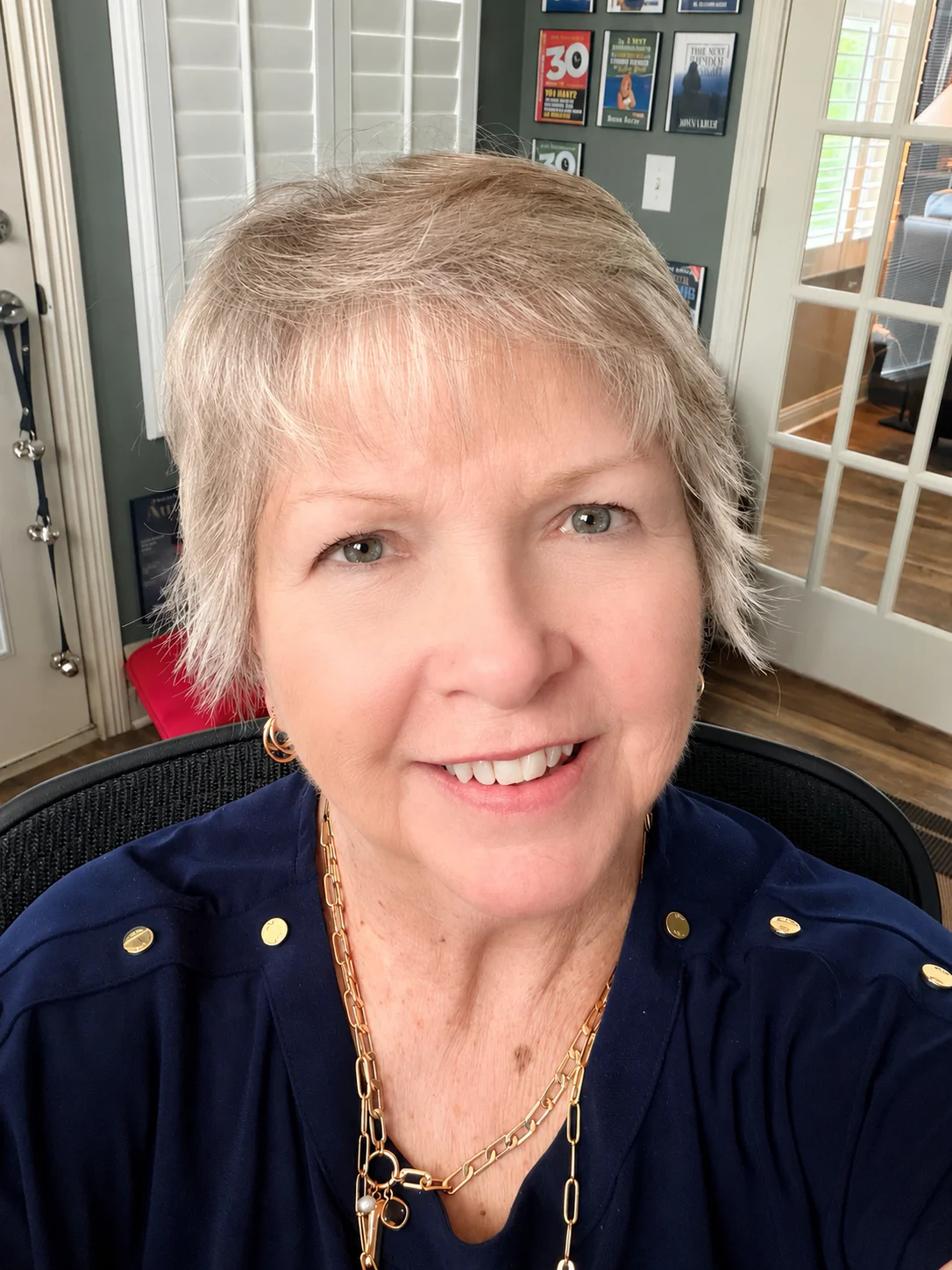
Nina Hershberger
I know exactly where you are right now. You've spent months — maybe years — writing your book. It's done. And somehow that feels like it should be the finish line, but instead you're staring at KDP's dashboard wondering what a "trim size" is, whether your margins are going to get your files rejected, and how on earth you're supposed to design a spine when you don't even know how wide it needs to be. It feels like publishing is a secret club with a language all its own, and nobody handed you the dictionary.
I built KDP Ready because that confusion is completely unnecessary. Everything that feels technical and intimidating about self-publishing on Amazon is actually a series of small, learnable steps — and once someone walks you through them in the right order, in plain language, it all makes sense. That's what this course is: a calm, clear path from raw Word document to live listing, with every click explained and every piece of jargon translated.
We start at the very beginning — setting up your KDP account, understanding what KDP actually needs from your files, and tidying up your manuscript so the formatting work goes smoothly. Then we move through interior layout, eBook conversion, cover design, metadata, upload, and finally proofing and approval. Nothing is skipped. Nothing is assumed. If there's a step where authors commonly get stuck or receive an error message, we stop and deal with it together before moving on.
The cover design module is usually the one people dread most, and it's the one I'm most proud of in this course. Using KDP's free cover template alongside Canva or GIMP, you'll design a front cover, spine, and back cover that look professional — without hiring anyone. The tools do the math on spine width; I'll show you how to use them.
My promise to you is simple: by the time you finish this course, you won't just understand KDP — you'll have used it. Your book will be live. You'll have held a proof copy, approved it, and published. That's the only finish line that matters, and every lesson in this course is pointed straight at it. Come join me and let's get your book out into the world.
— Nina Hershberger
Start your journey today
Get instant access — learn at your own pace with an AI coach in your corner.
$97/mo
Recurring billing · cancel anytime
Secure checkout · Instant access
- 6 modules, 18 lessons
- AI-adaptive lessons tuned to your level
- Quizzes & checkpoints to lock in progress
- Your own AI learning coach
- Learn on any device, at your pace
- Full access for as long as you're subscribed