Turn screen time into game-making time
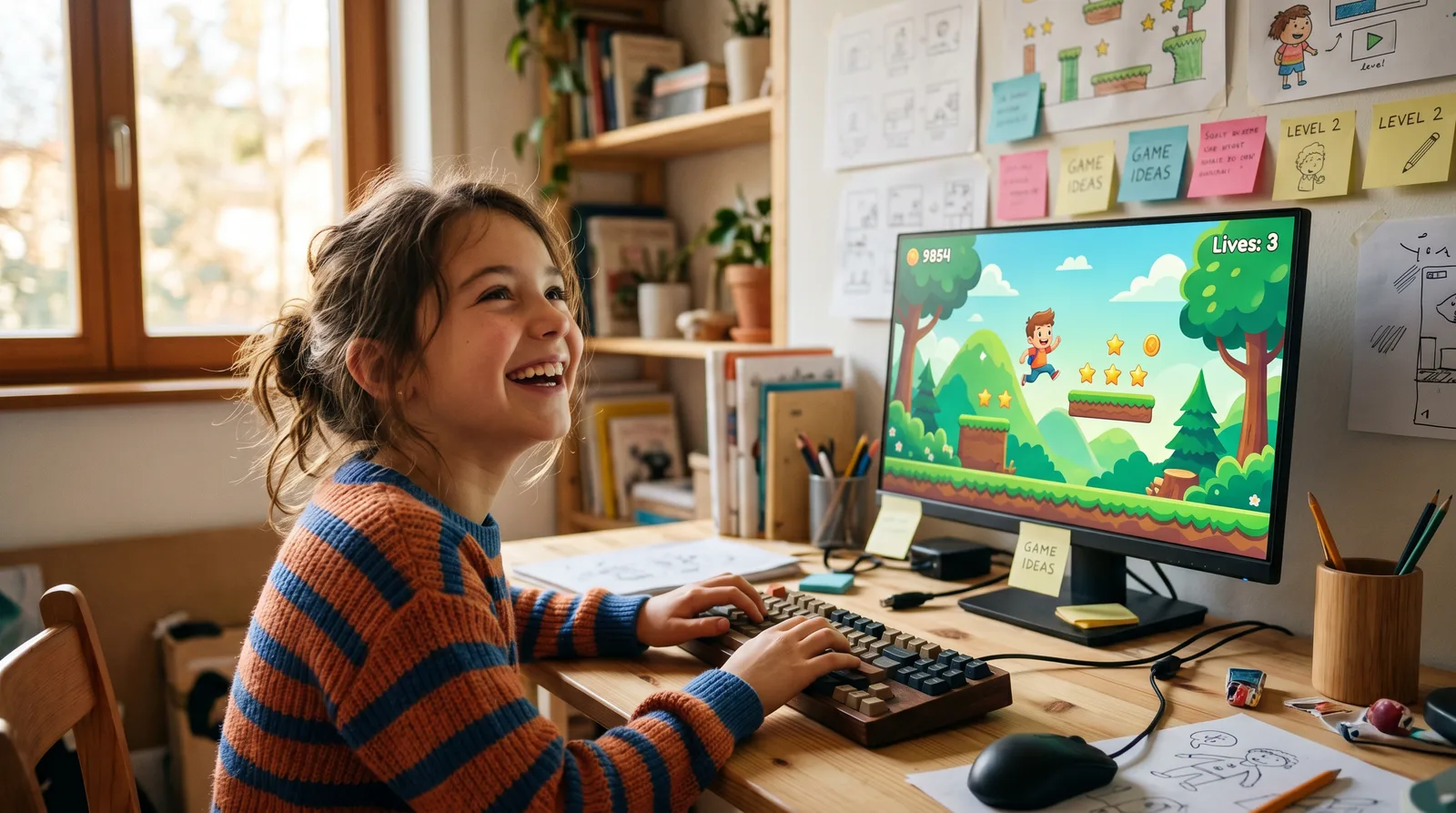
Young creators aged 8–14 learn to build real, playable video games from scratch using GDevelop — no coding experience needed. Turn screen time into make time.
"Every kid who finishes this course has a real, playable game with their name on it — and that changes how they see what's possible."— Tom Schaeper
What you'll learn
What you'll be able to do
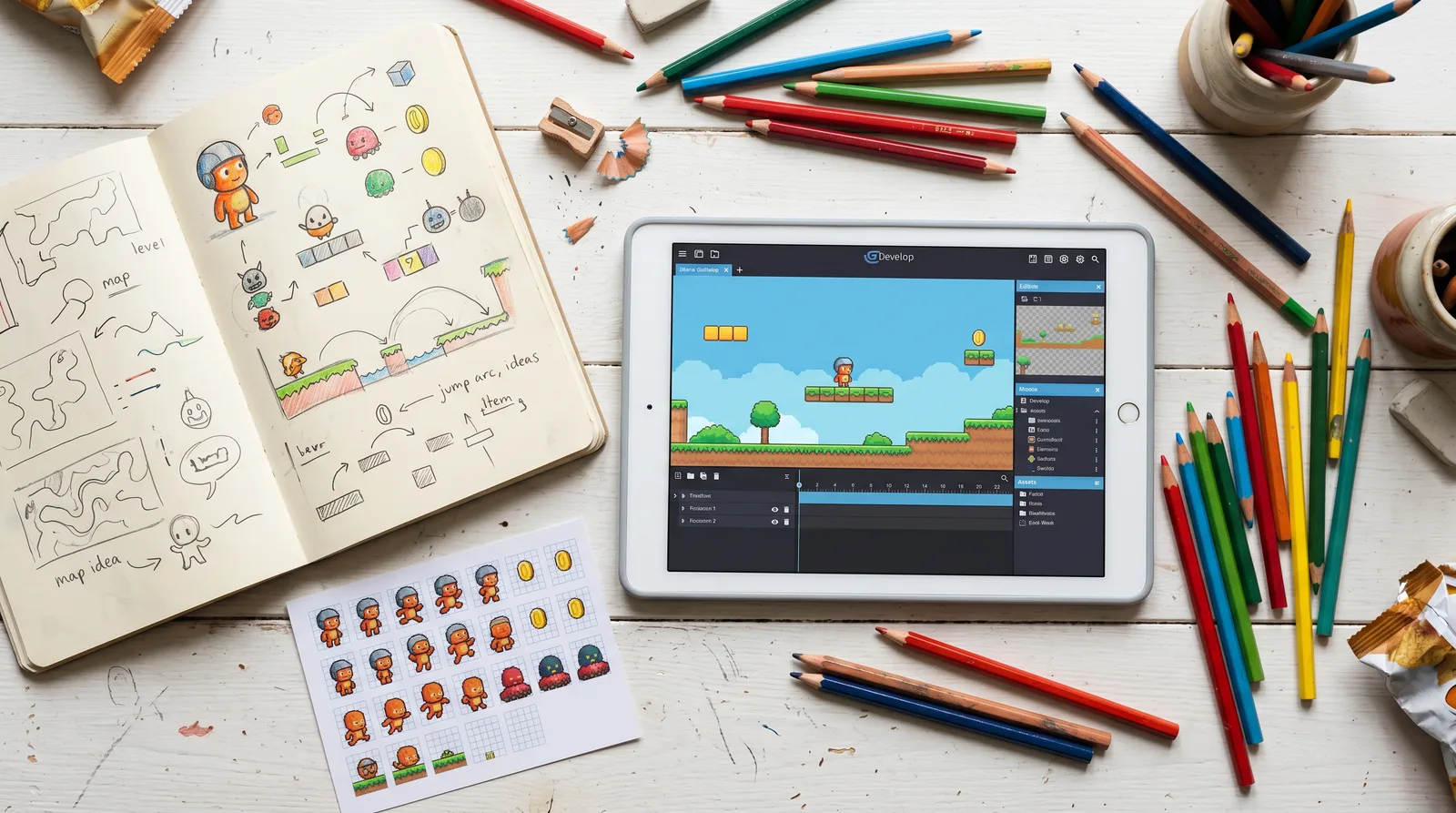
- Build and publish a complete playable 2D video game using GDevelop from scratch
- Add characters, enemies, and objects using GDevelop's drag-and-drop event system — no typing code required
- Design multi-level worlds with platforms, obstacles, and collectibles
- Program game logic like scoring, lives, win conditions, and game-over screens
- Import and use custom sprites, sounds, and backgrounds to give games a unique look and feel
- Share finished games with friends and family via a shareable web link
How it works
A school that adapts to you
This isn't a set of static videos. Every lesson is generated live and tuned to where you actually are.
We learn your level
A quick placement check tailors your starting point so you're never bored or lost.
Lessons adapt as you go
Each lesson is written for your pace and your goal, adjusting as your skills grow.
Your AI coach keeps you moving
Checkpoints, feedback, and gentle nudges turn progress into a real result.
The curriculum
What's inside your school
6 modules · 16 lessons
Welcome to Game Making
Students are introduced to GDevelop and the core concepts behind game engines. By the end of this module, every student has a working GDevelop project saved on their device, a moving object on screen, and a solid understanding of how scenes and the camera work — giving them the essential foundation before any game-world building begins.
- 1.1What Is a Game Engine?Included
- 1.2Your First Object: Make Something MoveIncluded
- 1.3Scenes, the Camera, and Saving Your WorkIncluded
Building Your Game World
Students construct the physical environment their character will explore. They build platforms, floors, and walls; place collectibles and hazards; and import their own custom artwork and backgrounds. By the end, Level 1 looks and feels like a real game world that is uniquely theirs.
- 2.1Platforms, Floors, and WallsIncluded
- 2.2Collectibles and HazardsIncluded
- 2.3Importing Custom Sprites and BackgroundsIncluded
Game Logic: The Brain of Your Game
Students program the rules that make their game meaningful: a visible score display (HUD), a lives system with a game-over screen, and a win condition that transitions to the next level. All logic is built entirely with GDevelop's drag-and-drop Event Sheet — no typing code required.
- 3.1Score and HUDIncluded
- 3.2Lives System and Game-Over ScreenIncluded
- 3.3Win Conditions and Level TransitionsIncluded
Enemies and Challenge
Students bring their game world to life with moving enemies that patrol platforms, and they program a 'stomp' mechanic so the player can defeat enemies by jumping on them. Player feedback (sound, animation, visual effects) is added to make interactions feel satisfying. This module deliberately follows the core game-logic module so students already understand collision events before applying them to enemies.
- 4.1Patrolling EnemiesIncluded
- 4.2Stomping and Player FeedbackIncluded
Multi-Level World Design
Students design and build a full second level with increased challenge, add music and sound effects throughout the game, and spend dedicated time polishing visuals and squashing bugs. This module synthesises everything learned so far into a cohesive, complete two-level game experience.
- 5.1Designing Level 2Included
- 5.2Adding Sounds and MusicIncluded
- 5.3Polishing and Bug FixingIncluded
Publish and Share Your Game
Students export their finished game to the web using GDevelop's built-in one-click publish tool, generate a shareable link, and celebrate their achievement in a class showcase. This module directly delivers the final target outcome — sharing with friends and family via a web link.
- 6.1Exporting and Publishing OnlineIncluded
- 6.2Game Showcase and CelebrationIncluded
Who it's for
Is this you?

The Gaming Obsessive
They play games every spare moment — now they'll channel that passion into building one of their own.

The Creative Kid
They love drawing characters and inventing worlds — GDevelop lets them bring those ideas to life as a playable game.

The Curious Beginner
They've always wondered how games are made — this course answers that question hands-on, from day one.

The Aspiring Developer
They've said 'I want to make games when I grow up' — this is the real first step toward making that true.

The Homeschool Explorer
Looking for a project-based STEM activity that's genuinely engaging — game design delivers logic, creativity, and a finished product.

The 'Bored of Screens' Kid
Screen time feels passive — this course flips the switch so they're creating, problem-solving, and building something real.
Questions
Frequently asked
Your teacher
A note from your teacher
Tom Schaeper
Hey, I see you over there — your kid is glued to their screen, controller in hand, completely in the zone. And part of you wonders: what if all that passion and focus could become something they created?
That's exactly why Kids Game Lab exists. I built this course for kids who love games but have never imagined they could be on the other side of one — the making side. No prior experience. No expensive software. No moment where things get so complicated they want to quit. Just a kid, a computer, and a game that's genuinely, unmistakably theirs by the end.
We use GDevelop because it's a real tool — not a "kiddie" toy — but it's designed so that game logic clicks immediately. When your child sets up their first event ("If player touches spike → lose a life"), they're not copy-pasting someone else's work. They're thinking like a developer. That moment of "wait, I just made that happen?" — I live for that moment, and I've designed every single lesson to deliver it.
The curriculum takes kids all the way from "What is a game engine?" to a full multi-level platformer with enemies, collectibles, a HUD, sounds, and a shareable publish link. We don't skip the fun stuff: stomping enemies, polishing levels, adding music, fixing bugs. Real game development, scaled perfectly for an 8–14-year-old brain.
Here's the thing I want you to know: every child who sticks with this course finishes with something they're genuinely proud of. Not a half-finished project. Not a tutorial they followed blindly. A game they designed, built, and published — that their friends and family can actually play. That's the promise of Kids Game Lab, and every lesson is built to deliver it.
If your child loves games, this is their moment. Come build something amazing.
— Tom Schaeper
Start your journey today
Join get instant access — learn at your own pace with an AI coach in your corner.
$19/mo
Recurring billing · cancel anytime
Secure checkout · Instant access
- 6 modules, 16 lessons
- AI-adaptive lessons tuned to your level
- Quizzes & checkpoints to lock in progress
- Your own AI learning coach
- Learn on any device, at your pace
- Full access for as long as you're subscribed