Go from blank screen to live website — today.
No code, no developer, no endless Googling. This is the focused, step-by-step session that walks you through every click — platform choice, design, pages, domain, SEO, and launch — so you ship a real, professional site before the day is out.

I built this so you'd ship today — not someday — and actually understand every decision you made along the way.— wellnesswithnowalls
What you'll learn
What you'll be able to do
- Choose the right website platform and hosting for your specific goals and budget
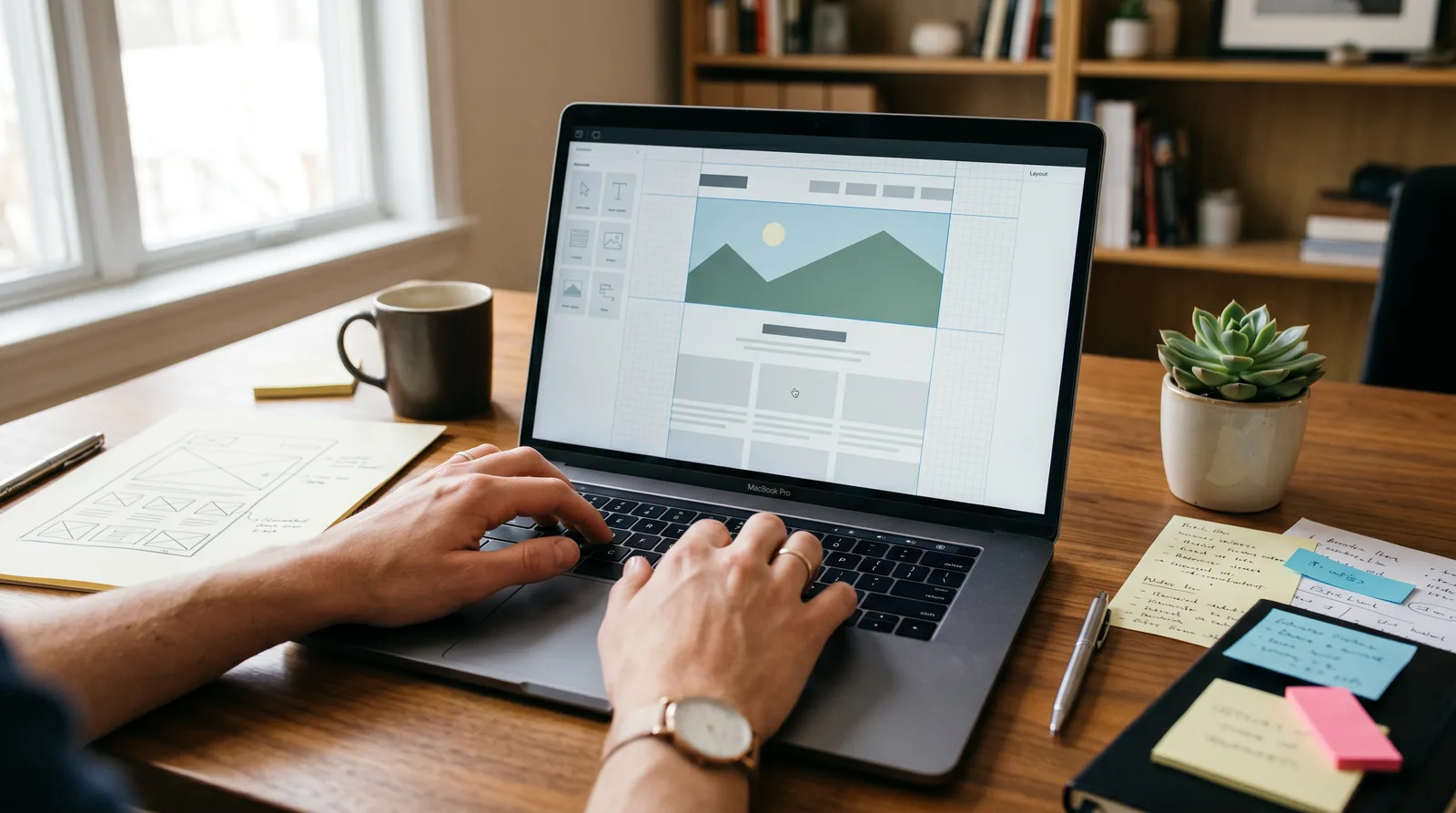
- Design a clean, professional, mobile-ready layout without writing a single line of code
- Write and structure every essential page — Home, About, Services, and Contact — with confidence
- Connect a custom domain and configure DNS so your site is live on the real internet
- Optimize your site's loading speed and on-page SEO so new visitors can actually find you
- Launch publicly and know exactly how to update, back up, and grow your site going forward
How it works
A school that adapts to you
This isn't a set of static videos. Every lesson is generated live and tuned to where you actually are.
We learn your level
A quick placement check tailors your starting point so you're never bored or lost.
Lessons adapt as you go
Each lesson is written for your pace and your goal, adjusting as your skills grow.
Your AI coach keeps you moving
Checkpoints, feedback, and gentle nudges turn progress into a real result.
The curriculum
What's inside your school
6 modules · 14 lessons

Pick Your Platform & Set Up Your Foundation
Before touching a single design element, students learn how to make the single most important decision in the whole process: which platform fits their goals, technical comfort, and budget. They then get their hosting environment live and log in for the first time — so every subsequent module builds on a real, working foundation.
- 1.1Platform Showdown: Choosing What's Right for YouIncluded
- 1.2Hosting, Install & Your First LoginIncluded
Design a Clean, Professional Layout — No Code Required
With a working install in hand, students shift to visual design. They learn how to select a theme or template that does the structural heavy lifting, then personalise it with their own brand identity — colours, fonts, logo, and spacing — without touching a line of code. The module closes with a mobile-responsiveness check so the site looks great on every screen size.
- 2.1Pick a Theme That Does the Heavy LiftingIncluded
- 2.2Brand It: Colours, Fonts, Logo & LayoutIncluded
- 2.3Mobile-Readiness & Layout QAIncluded
Write & Build Every Essential Page
Students create the four pages every professional website must have. Each lesson follows a proven copywriting and layout framework so students know not just how to build the page but what to say on it — closing the gap between a site that looks good and one that actually converts visitors into enquiries.
- 3.1Homepage & About Page: Hook Them and Build TrustIncluded
- 3.2Services Page & Contact Page: Turn Visitors Into LeadsIncluded
Connect Your Domain & Go Live
Students demystify domain registration and DNS — concepts that stop many first-time builders cold — and systematically complete every technical step required to have their site live at a real custom URL with a padlock (HTTPS). The module includes a pre-publish checklist to prevent the most common launch-day mistakes.
- 4.1Buy Your Domain & Understand DNSIncluded
- 4.2Point Your Domain, Enable HTTPS & PublishIncluded
Speed, SEO & Getting Found on Google
A beautiful, live site that no one can find is a wasted asset. This module teaches students to make their site technically competitive: fast-loading for real users and clearly readable by search engines. Both lessons are deliberately practical — every concept is paired with a specific tool or setting the student can action immediately.
- 5.1Make Your Site Load FastIncluded
- 5.2On-Page SEO: Help Google Find and Rank YouIncluded
Launch, Maintain & Grow
Going live is not the finish line — it is the starting gun. This module gives students a concrete launch-day routine, an ongoing maintenance system to keep their site secure and healthy, and a practical growth roadmap so they know exactly what to do in the weeks and months after launch. Students leave with a personal 90-day post-launch action plan.
- 6.1Your Launch Day RoutineIncluded
- 6.2Backup, Update & Keep Your Site HealthyIncluded
- 6.3What Comes Next: Growing Your Site Over TimeIncluded
Who it's for
Is this you?

The New Freelancer
You're landing your first clients by word of mouth but you need a professional home base that makes you look as legit as you are.

The Local Business Owner
Your business is real and thriving offline — it's time your website caught up so customers can actually find and contact you.

The Aspiring Entrepreneur
You're ready to make your idea official, and a live website is the first tangible proof that this business exists.

The Career Pivoter
You're rebranding yourself professionally and need a polished personal site that announces your new direction with confidence.

The Creator Going Pro
You've outgrown social media and need your own corner of the internet where you control the experience and own your audience.
The Side Hustler
You're building something on the side and can't afford to spend weeks figuring out tech — you need to launch fast and look great.
Questions
Frequently asked
Your teacher
A note from your teacher
wellnesswithnowalls
Hey — I see you. You've got a business idea, a skill, or a service that deserves to exist in the world, and right now the only thing standing between you and the internet is a blank screen that feels way more intimidating than it should. I've been there, and I've watched hundreds of people get completely stuck at exactly this step. Not because they weren't smart enough. Because nobody sat down next to them and just showed them the actual moves.
That's the whole reason I built Launch Your Site. I got tired of watching talented people — freelancers, shop owners, coaches, consultants — lose weeks to YouTube rabbit holes, conflicting blog posts, and tools they chose for the wrong reasons. Your time and energy are too valuable for that. So I stripped everything back to what actually matters and built a curriculum you can run start-to-finish in a single focused session.
Here's what I want you to know about how this works: every lesson is a doing lesson. We're not here to survey the landscape or discuss possibilities — we're here to make decisions and ship. You'll choose your platform with confidence because I'll show you exactly what each option is good for. You'll design a layout that looks polished and loads fast on every phone because I'll walk you through the specific settings that do the heavy lifting. You'll write your pages — Home, About, Services, Contact — because I'll give you the structure that makes visitors actually stick around and reach out. And you'll connect your custom domain, enable HTTPS, and hit publish, because that moment is the whole point.
I won't pretend you'll hit page one of Google overnight or that your first site will be perfect. What I will promise is that you'll have a real, live, professional website — one you built yourself, one you own, one you know how to update and grow — by the end of our time together. That's the transformation I care about: from "I really need to do that" to "it's done, it's live, and it's mine."
If you're ready to stop planning and start existing on the internet, I'm ready to guide you through every single click. Let's build this thing.
— wellnesswithnowalls
Start your journey today
Join get instant access — learn at your own pace with an AI coach in your corner.
$39/mo
Recurring billing · cancel anytime
Secure checkout · Instant access
- 6 modules, 14 lessons
- AI-adaptive lessons tuned to your level
- Quizzes & checkpoints to lock in progress
- Your own AI learning coach
- Learn on any device, at your pace
- Full access for as long as you're subscribed