
Build your own WordPress website — no coding required
Go from zero to a fully functioning WordPress website — no coding required. Learn to build, customize, and manage professional sites with confidence.

"Our job isn't to impress you with technical jargon — it's to make sure you never feel lost for a single step."
— TrainingHQ
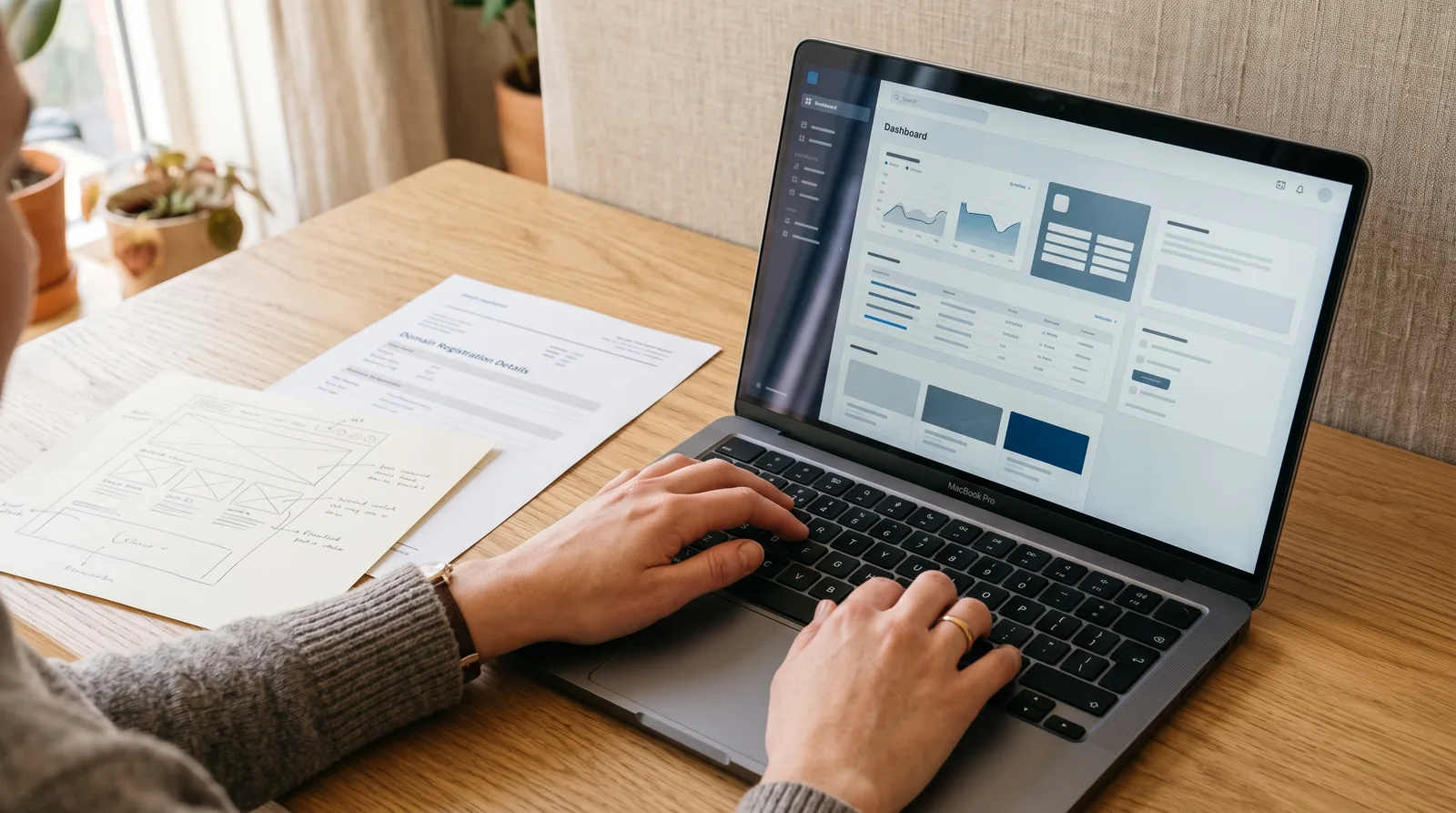
What you'll learn
What you'll be able to do
- Install and configure a self-hosted WordPress site from scratch using a real domain and hosting account
- Choose, install, and customize a professional theme to match any brand or style
- Build polished pages and blog posts using the Gutenberg block editor with confidence
- Install and manage essential plugins for SEO, security, contact forms, and site speed
- Set up a fully functional WooCommerce store to sell physical or digital products online
- Maintain, back up, and troubleshoot a WordPress site independently — no developer needed
How it works
A school that adapts to you
This isn't a set of static videos. Every lesson is generated live and tuned to where you actually are.
We learn your level
A quick placement check tailors your starting point so you're never bored or lost.
Lessons adapt as you go
Each lesson is written for your pace and your goal, adjusting as your skills grow.
Your AI coach keeps you moving
Checkpoints, feedback, and gentle nudges turn progress into a real result.
The curriculum
What's inside your school
6 modules · 24 lessons

Getting WordPress Online
Lays the essential groundwork before touching WordPress itself. Students learn how the web works, secure a domain and hosting account, perform a clean WordPress installation, and orient themselves inside the dashboard — ensuring every subsequent module builds on a correctly configured, live site.
- 1.1Domains, Hosting, and How WordPress WorksIncluded
- 1.2Installing WordPress from ScratchIncluded
- 1.3Navigating the WordPress DashboardIncluded
Designing Your Site with Themes
Covers the complete theme workflow: evaluating and installing a quality theme, customizing every visual aspect to match a brand, and assembling a high-converting homepage. A prerequisite lesson on planning site structure and branding is added here because students must have a clear creative direction before customizing anything — a gap in the original draft.
- 2.1Planning Your Site Structure and Brand IdentityIncluded
- 2.2Choosing and Installing the Right ThemeIncluded
- 2.3Customizing Your Theme with the WordPress CustomizerIncluded
- 2.4Building a Homepage That ConvertsIncluded
Creating Content with the Block Editor
Builds confident, fluent use of the Gutenberg block editor — from foundational block mechanics to polished page layouts to a well-structured blog. A dedicated lesson on media management is added because students working with images, video, and documents across pages and posts need a clean Media Library workflow before content volume grows.
- 3.1Gutenberg Essentials — Blocks, Patterns, and the ToolbarIncluded
- 3.2Managing Media — Images, Video, and the Media LibraryIncluded
- 3.3Building Polished PagesIncluded
- 3.4Writing and Managing Blog PostsIncluded
Powering Your Site with Plugins
Equips students to find, evaluate, install, and configure the plugins every serious WordPress site needs — while building the critical judgment to avoid plugin bloat, conflicts, and security vulnerabilities. The original draft's 'Contact Forms and Site Speed' lesson is split into two focused lessons for appropriate depth, and a lesson on plugin evaluation and safety is preserved as the essential foundation.
- 4.1Installing and Managing Plugins SafelyIncluded
- 4.2SEO — Getting Found on GoogleIncluded
- 4.3Security — Protecting Your SiteIncluded
- 4.4Contact Forms — Collecting Leads and InquiriesIncluded
- 4.5Site Speed — Making WordPress FastIncluded
Selling Online with WooCommerce
Delivers a complete, production-ready WooCommerce store build — from initial installation through payments, shipping, taxes, and order management. A new prerequisite lesson on payments and taxes is inserted before product management because students must have a working payment gateway and tax configuration before they can meaningfully test the purchase flow.
- 5.1Setting Up Your WooCommerce StoreIncluded
- 5.2Configuring Payments, Shipping, and TaxIncluded
- 5.3Adding and Managing ProductsIncluded
- 5.4Managing Orders, Coupons, and the StoreIncluded
Maintaining and Troubleshooting Your WordPress Site
Ensures students can keep their site healthy, recover from disasters, and fix common problems — all without hiring a developer. A new lesson on user management and handoff is added because many students will be building sites for clients or collaborators, and understanding roles, capabilities, and safe handoff procedures is a critical real-world skill not covered in the original draft.
- 6.1Backups and Updates — Your Safety NetIncluded
- 6.2Troubleshooting Common WordPress ProblemsIncluded
- 6.3Managing Users, Roles, and Client HandoffIncluded
- 6.4Performance Monitoring and Long-Term Site ManagementIncluded
Who it's for
Is this you?

Complete beginners
You've never built a website before and want a clear, no-jargon path from zero to a live site.

Small business owners
You want a professional online presence you can manage and update yourself — without paying agency fees.

Freelancers
You build or manage sites for clients and want a solid, practical WordPress skill set including client handoff.

Bloggers and creators
You're ready to own your platform and publish content on a self-hosted site you actually control.

Aspiring online sellers
You want to launch a shop and need a step-by-step guide to WooCommerce, payments, and product management.

Career changers
You're moving into digital marketing, VA work, or web work and need real, hands-on WordPress experience fast.
Questions
Frequently asked
Start your journey today
Get instant access — learn at your own pace with an AI coach in your corner.
$27/mo
Recurring billing · cancel anytime
Secure checkout · Instant access
- 6 modules, 24 lessons
- AI-adaptive lessons tuned to your level
- Quizzes & checkpoints to lock in progress
- Your own AI learning coach
- Learn on any device, at your pace
- Full access for as long as you're subscribed