Finally get every photo organized, backed up, and treasured
Stop drowning in thousands of unsorted photos and start building a digital archive you'll actually treasure. Learn a proven system to organize, preserve, and relive your most important memories — forever.

"Your photos have been waiting long enough — let's build them a home they deserve."— Nina Hershberger
What you'll learn
What you'll be able to do
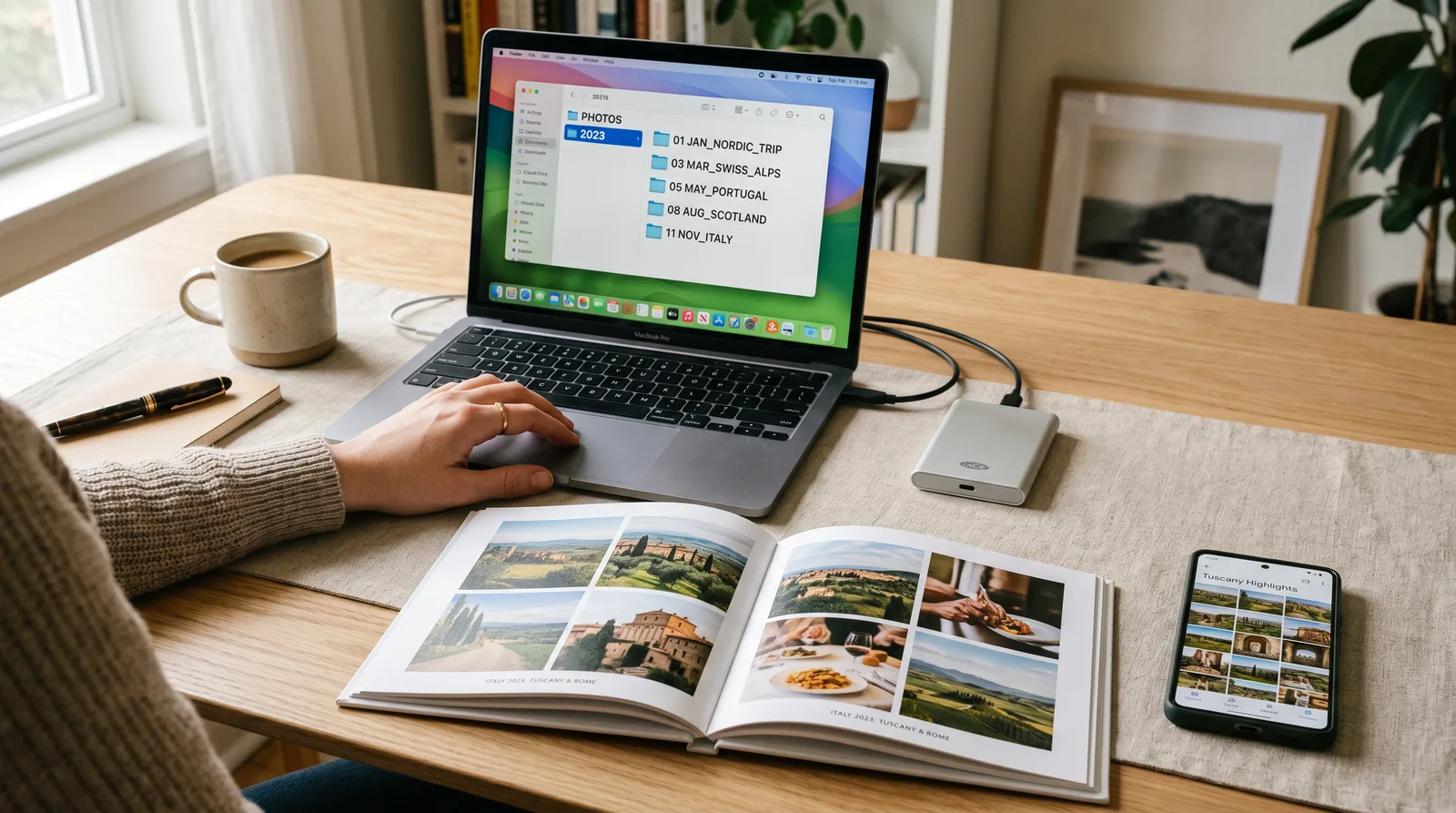
- Build a clear, consistent folder and naming system so any photo is findable in under 60 seconds
- Safely back up your entire photo library across multiple locations so no memory is ever lost again
- Deduplicate and cull thousands of near-identical shots down to only the keepers
- Tag, caption, and date photos so their stories survive long after memory fades
- Organize photos from every source — iPhone, Android, SD cards, old CDs, and cloud apps — into one unified library
- Create shareable digital albums and printed photo books to pass memories on to family
How it works
A school that adapts to you
This isn't a set of static videos. Every lesson is generated live and tuned to where you actually are.
We learn your level
A quick placement check tailors your starting point so you're never bored or lost.
Lessons adapt as you go
Each lesson is written for your pace and your goal, adjusting as your skills grow.
Your AI coach keeps you moving
Checkpoints, feedback, and gentle nudges turn progress into a real result.
The curriculum
What's inside your school
6 modules · 20 lessons

Laying the Foundation: Your Master Folder System
Before touching a single photo, learners establish the organizational framework that everything else will plug into. This module ensures every subsequent step has a logical home to land in, making the folder system the backbone of the entire course. Completing this first prevents re-work later and gives learners an immediate sense of control.
- 1.1Assess the Chaos: Taking Stock of Your Photo LibraryIncluded
- 1.2Build Your Master Folder StructureIncluded
- 1.3File Naming Rules That Actually WorkIncluded
Gathering Everything In: Importing From Every Source
With the folder system in place, learners now funnel photos from every scattered source into their new master library. This module is sequenced second so that imported photos land directly into an already-organized structure rather than creating a new pile of chaos. Covering every major source — phones, cameras, CDs, cloud, and physical prints — directly addresses the 'unified library' outcome.
- 2.1Importing From Your Phone (iPhone & Android)Included
- 2.2Rescuing Photos From Old Cameras, SD Cards, and CDsIncluded
- 2.3Pulling Down Photos From Cloud ServicesIncluded
- 2.4Scanning and Rescuing Printed PhotosIncluded
Decluttering: Cull and Deduplicate Your Library
Now that the full library is gathered in one place, learners aggressively thin it down to only the keepers — eliminating exact duplicates, near-identical shots, blurry rejects, and accidental captures. This module is sequenced after import and before tagging so that learners aren't wasting time adding metadata to photos that will be deleted. This directly delivers the deduplication and culling outcome.
- 3.1The Keeper Mindset: How to Decide What StaysIncluded
- 3.2Finding and Eliminating Duplicate PhotosIncluded
- 3.3Speed Culling Thousands of PhotosIncluded
Making Memories Findable: Tagging, Captions, and Dates
With only keepers remaining, learners now enrich their photos with the metadata that makes them searchable, storytelling-ready, and meaningful decades from now. This module is sequenced after culling — so no effort is wasted on deleted photos — and before sharing, so albums and books can be built from well-described, correctly dated images. This directly delivers the tagging, captioning, and dating outcome.
- 4.1Understanding Photo Metadata (Without the Tech Overwhelm)Included
- 4.2Tagging People and PlacesIncluded
- 4.3Writing Captions That Tell the StoryIncluded
- 4.4Fixing Wrong Dates and Filling In Missing OnesIncluded
Protecting Everything: Your Bulletproof Backup System
With a clean, organized, and richly tagged library, learners now ensure it can never be lost — to hardware failure, accidental deletion, fire, theft, or cloud service shutdown. This module is sequenced after the library is complete and clean so learners aren't backing up duplicates and junk. It directly delivers the 'no memory is ever lost' backup outcome and introduces automated systems so protection is ongoing with zero effort.
- 5.1The 3-2-1 Backup Rule ExplainedIncluded
- 5.2Setting Up Automatic Cloud BackupIncluded
- 5.3Physical Backups: External Drives and Long-Term StorageIncluded
Sharing and Celebrating: Albums, Books, and Family Legacies
The final module transforms the organized, protected library into living, shareable experiences — digital albums for easy sharing now, printed photo books for lasting physical keepsakes, and a living legacy archive that future generations can access and add to. This module is sequenced last because it draws on every previous step: the organization system provides the structure, the metadata provides the stories, and the backup system keeps the archive alive.
- 6.1Creating Shareable Digital AlbumsIncluded
- 6.2Designing and Ordering a Printed Photo BookIncluded
- 6.3Building a Living Legacy ArchiveIncluded
Who it's for
Is this you?

The Overwhelmed Parent
Years of kids' birthdays, school plays, and holidays are buried across three phones and two laptops — this course finally brings it all together.

The Proud Grandparent
Wants to preserve and share decades of family memories with grandchildren, and learn how to do it simply and safely.

The Nostalgia-Lover
Has boxes of printed photos and old CDs from the '90s and early 2000s just waiting to be rescued, scanned, and treasured again.

The Reluctant Tech User
Not a 'computer person,' but determined to finally get organised — and relieved to find a course that never assumes prior knowledge.

The Family Archivist
Self-appointed keeper of the family's history who wants a proper, lasting system rather than a growing pile of unsorted files.

The Recent Empty-Nester
Now that the kids have left home, finally has the time to tackle the 20-year photo backlog — and wants to create a printed book as a gift.
Questions
Frequently asked
Your teacher
A note from your teacher
Nina Hershberger
If you're here, I'd guess you've been meaning to sort out your photos for a while. Maybe years. You open the camera roll, see 24,000 photos staring back at you, and quietly close the app again. Or you try to find one specific picture and give up after ten minutes of frustrated scrolling. You know the memories are in there — you just can't get to them.
I've been there too, and I know how heavy that feels. Not just the practical frustration of not being able to find things, but the deeper worry: what if something happens and I lose these? What if the phone breaks, the hard drive dies, or the cloud account gets locked? Those photos aren't just files. They're your kids growing up, people you've lost, places you'll never go back to. They deserve better than a chaotic folder called "Misc 2019."
That's why I built Memory Keeper — to give you a clear, calm, step-by-step path through a task that can feel completely overwhelming on your own. We start at the very beginning: building a folder structure and a naming system that makes sense for your life. Then we go and collect every photo you own — from your phone, your old CDs, your printed albums, every cloud app — and bring them all into one home. We clear out the clutter, add the captions and dates that give photos their meaning, lock everything down with a backup system that genuinely protects you, and finally do something joyful with it all: shareable albums, printed books, a family archive you'll actually be proud of.
I won't drown you in tech jargon or assume you know what metadata means. Every lesson is in plain English, every step is explained, and every small win is worth celebrating — because finishing a module is real progress on something that matters. You don't need to be a computer person. You just need to care about your memories. And if you're reading this, I already know you do.
I'd love to guide you through this. Your photos have been waiting long enough. Let's go find them.
— Nina Hershberger
Start your journey today
Join get instant access — learn at your own pace with an AI coach in your corner.
$29/mo
Recurring billing · cancel anytime
Secure checkout · Instant access
- 6 modules, 20 lessons
- AI-adaptive lessons tuned to your level
- Quizzes & checkpoints to lock in progress
- Your own AI learning coach
- Learn on any device, at your pace
- Full access for as long as you're subscribed