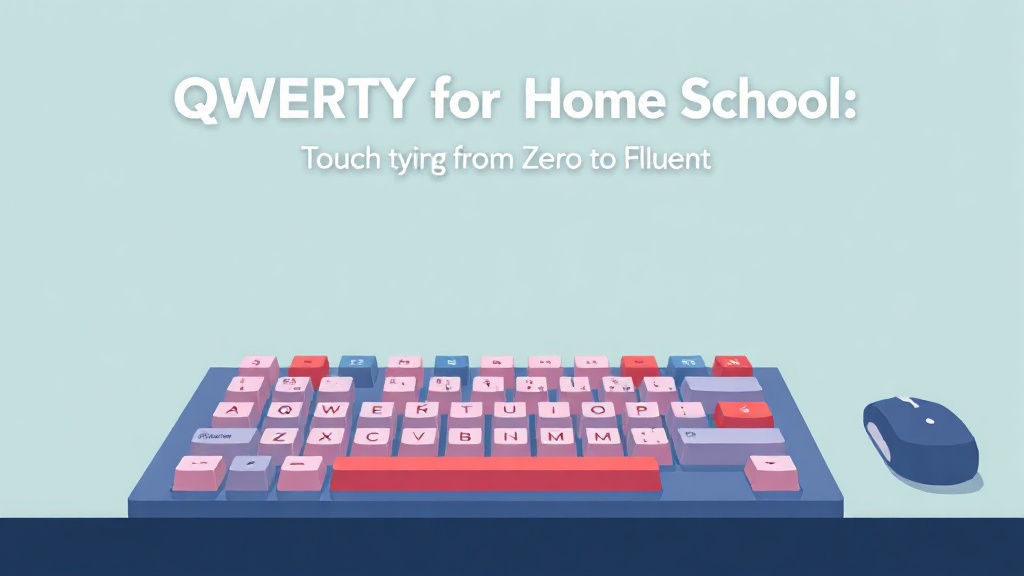
QWERTY for Home Schoolers: Touch Typing from Zero to Fluent
A structured, parent-friendly typing curriculum that takes kids from hunt-and-peck to confident touch typists — no classroom required, just a keyboard and 15 minutes a day.
What you'll learn
What you'll be able to do
- Set up an ergonomic typing station at home and establish correct hand posture from day one
- Type all 26 letters using proper home-row finger assignments without looking at the keyboard
- Reach a minimum typing speed of 20 WPM with 90%+ accuracy on simple sentences
- Type numbers and common punctuation marks accurately using the correct fingers
- Use a simple self-assessment system to track speed and accuracy progress over time
- Identify and correct common bad habits (finger peeking, incorrect fingering, poor posture) independently
- Apply touch-typing skills to real writing tasks like short paragraphs and dictation exercises
- Follow a sustainable daily practice routine that fits within a homeschool schedule
How it works
A school that adapts to you
This isn't a set of static videos. Every lesson is generated live and tuned to where you actually are.
We learn your level
A quick placement check tailors your starting point so you're never bored or lost.
Lessons adapt as you go
Each lesson is written for your pace and your goal, adjusting as your skills grow.
Your AI coach keeps you moving
Checkpoints, feedback, and gentle nudges turn progress into a real result.
The curriculum
What's inside your school
5 modules · 15 lessons
Foundation — Posture, Position & the Home Row
Before a single key is struck, students learn WHY proper technique matters and build the physical habits that make everything else possible. This module covers workstation setup, hand position, and the eight home-row keys that anchor all touch typing.
- 1.1Setting Up Your Typing StationIncluded
- 1.2Meet the Home Row: ASDF and JKL;Included
- 1.3The Habit Reset: Breaking Hunt-and-PeckComing soon
Top Row — QWERTY and UIOP
With the home row locked in, students stretch to the top row. This module introduces the upward reach motion and builds the letter combinations that cover the majority of common English words.
- 2.1Left Hand Up: Q, W, E, R, TComing soon
- 2.2Right Hand Up: U, I, O, PComing soon
- 2.3Full Top Row + Home Row SentencesComing soon
Bottom Row — ZXCVBNM
The bottom row is the trickiest reach for most beginners. This module takes it slowly, adds the important B, N, and M keys, and introduces the Space Bar as a critical rhythm tool.
- 3.1Downward Reach: Z, X, C, VComing soon
- 3.2Right Side Down: B, N, MComing soon
- 3.3All Three Rows: Putting It All TogetherComing soon
Capitals, Numbers & Punctuation
Touch typing isn't complete without Shift, numbers, and the punctuation marks students need for real writing. This module covers the number row and the most common punctuation symbols, plus the Shift key technique that trips up so many learners.
- 4.1The Shift Key: Capitals Without CheatingComing soon
- 4.2Numbers 1–10 Across the TopComing soon
- 4.3Punctuation: Period, Comma, Question Mark & MoreComing soon
Speed, Accuracy & Building a Practice Habit
Technical skill is only half the battle — this final module turns students into independent self-improving typists. They learn how to measure their own progress, set personal goals, and build a daily practice habit that sticks long after the course ends.
- 5.1How to Measure Yourself: WPM and AccuracyComing soon
- 5.2Deliberate Practice: Fixing Your Weak KeysComing soon
- 5.3Real-World Typing: Paragraphs, Dictation & Creative WritingComing soon
Questions
Frequently asked
Your teacher
A note from your teacher
Cathy Mas
Hi, I'm so glad you're here — because teaching typing at home was one of the most surprisingly rewarding things I ever added to our homeschool routine. I'm a veteran homeschooling parent and curriculum designer, and I built this course after spending years frustrated by typing programs that were either too game-y to actually teach proper technique, or too rigid to fit into our family's day. I went back to basics: how do typing teachers in the best school programs actually structure this skill? Then I rebuilt it entirely for the home environment. Every lesson in this course is something I have personally used with my own kids and refined based on real feedback from other homeschooling families. I can't wait to hear about the moment your child types their first full sentence without looking down — it's genuinely magical.
— Cathy Mas
Start your journey today
Get instant access — learn at your own pace with an AI coach in your corner.
$47/mo
Recurring billing · cancel anytime
This school isn't accepting enrollments just yet. Check back shortly!
Secure checkout · Instant access
- 5 modules, 15 lessons
- AI-adaptive lessons tuned to your level
- Quizzes & checkpoints to lock in progress
- Your own AI learning coach
- Learn on any device, at your pace
- Full access for as long as you're subscribed
13 more lessons coming soon at no extra cost.