Put your inventory on autopilot
Go from error-prone spreadsheets to a self-managing stock system — with automated reorder triggers, live dashboards, and demand forecasting built around tools a small business can actually afford.

I'll show you the shortest path from 'spreadsheet and fingers crossed' to a system that runs itself — no enterprise budget, no IT team, no fluff.— Freddy Foster
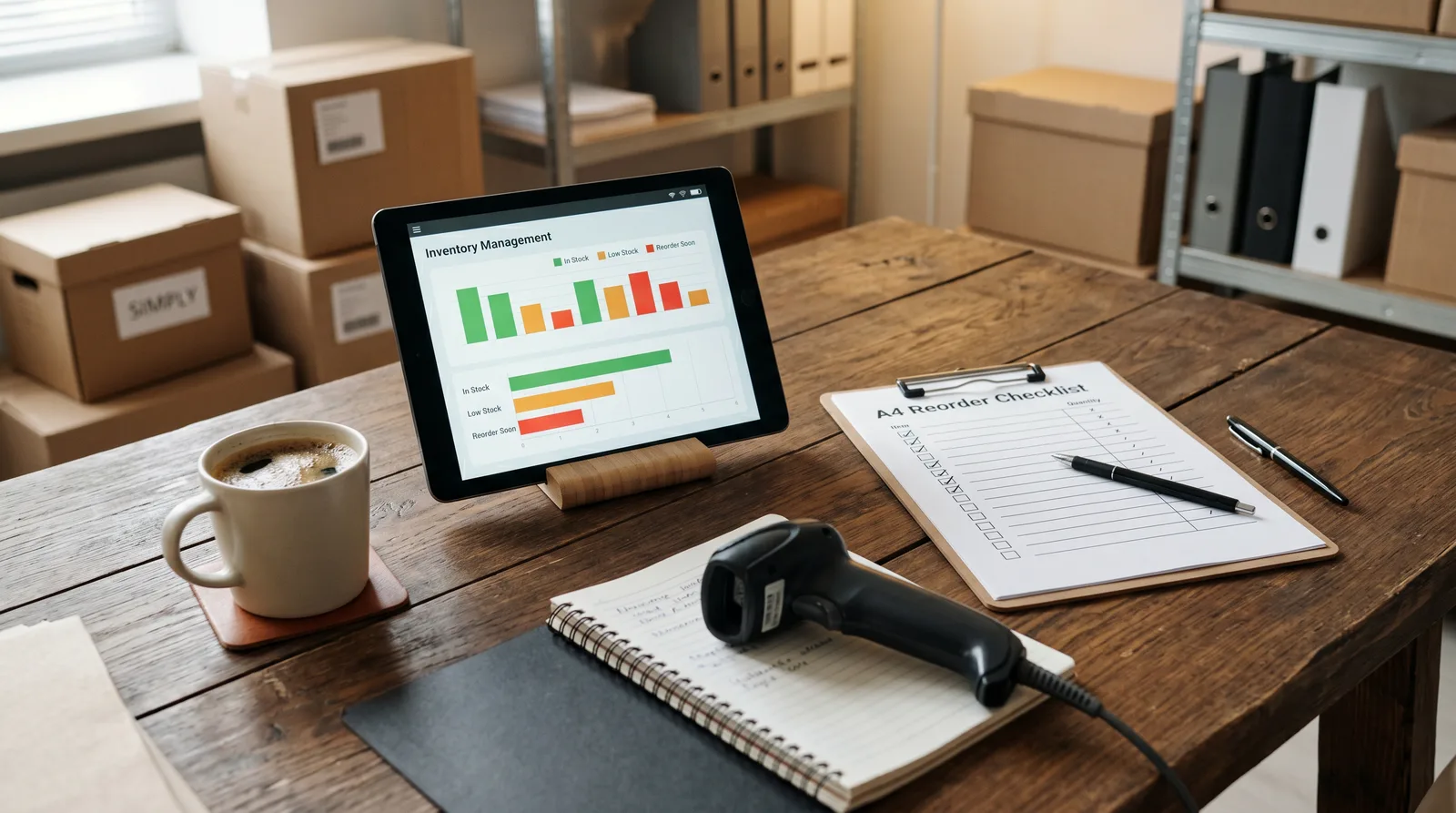
What you'll learn
What you'll be able to do
- Set up a real-time inventory tracking system using affordable, small-business-ready tools
- Design and automate reorder-point triggers so stock replenishment happens without manual checks
- Build a live dashboard that surfaces low-stock alerts, turnover rates, and carrying costs at a glance
- Integrate your inventory system with your POS, e-commerce storefront, or supplier ordering portal
- Eliminate overstock and dead inventory by applying demand-forecasting formulas to your own sales data
- Audit and continuously improve your automated system using weekly KPIs and exception reports
How it works
A school that adapts to you
This isn't a set of static videos. Every lesson is generated live and tuned to where you actually are.
We learn your level
A quick placement check tailors your starting point so you're never bored or lost.
Lessons adapt as you go
Each lesson is written for your pace and your goal, adjusting as your skills grow.
Your AI coach keeps you moving
Checkpoints, feedback, and gentle nudges turn progress into a real result.
The curriculum
What's inside your school
6 modules · 24 lessons

From Spreadsheets to Smart Inventory
Lays the foundation by diagnosing your current inventory pain points and introducing the core concepts and affordable tools that power automation.
- 1.1The Real Cost of Manual TrackingIncluded
- 1.2How Real-Time Inventory Systems WorkIncluded
- 1.3Choosing the Right Tool for Your Business SizeIncluded
- 1.4Setting Up Your Inventory FoundationIncluded
Real-Time Tracking in Practice
Connects your physical or digital sales activity to a live inventory system so stock levels update automatically with every transaction.
- 2.1Integrating Your POS or E-Commerce StorefrontIncluded
- 2.2Syncing Multiple Sales Channels Without OversellingIncluded
- 2.3Handling Receipts, Returns, and AdjustmentsIncluded
- 2.4Running Your First Real-Time Inventory AuditIncluded
Automated Reordering Systems
Teaches you to calculate reorder points and safety stock, then configure triggers that send purchase orders automatically — no manual checking required.
- 3.1Reorder Points and Safety Stock ExplainedIncluded
- 3.2Configuring Automated Reorder TriggersIncluded
- 3.3Connecting to Your Supplier Ordering PortalIncluded
- 3.4Testing and Validating Your Reorder AutomationIncluded
Demand Forecasting to Eliminate Overstock and Dead Inventory
Applies accessible forecasting formulas to your own sales data so reorder quantities match real demand rather than guesswork.
- 4.1Reading Your Sales Data for Demand SignalsIncluded
- 4.2Applying Demand-Forecasting Formulas to Your ProductsIncluded
- 4.3Calculating Carrying Costs and Identifying Dead StockIncluded
- 4.4Adjusting Reorder Rules Using Forecast OutputsIncluded
Live Dashboards and Low-Stock Alerts
Builds a single-screen command centre that surfaces critical inventory metrics — low-stock alerts, turnover rates, and carrying costs — at a glance.
- 5.1Designing Your Inventory Dashboard LayoutIncluded
- 5.2Building Low-Stock and Overstock Alert RulesIncluded
- 5.3Displaying Turnover Rates and Carrying CostsIncluded
- 5.4Sharing Dashboard Access with Your TeamIncluded
Ongoing Optimisation and System Health
Establishes a weekly rhythm of KPI reviews and exception reports that keep your automated system accurate, improving, and aligned with business growth.
- 6.1Building a Weekly Inventory KPI Review RoutineIncluded
- 6.2Using Exception Reports to Catch What Automation MissesIncluded
- 6.3Diagnosing and Fixing Common Automation FailuresIncluded
- 6.4Scaling Your System as Your Business GrowsIncluded
Who it's for
Is this you?

Retail shop owners
You're managing stock across a physical store and tired of stockouts and over-ordering — this replaces your spreadsheet with a system that reorders for you.

E-commerce sellers
You're selling across Shopify, marketplaces, and beyond — this course shows you how to sync every channel to one live inventory source so you never oversell.

Operations generalists
You own inventory as one of ten responsibilities — this gives you a self-managing system that cuts the admin hours without needing a dedicated logistics role.

Retail managers
You need live dashboards and shared alerts your whole team can act on — this course builds exactly that, without IT involvement.

Product-based founders
You're scaling a product business and the buying decisions are getting complex — demand forecasting and carrying-cost analysis will tighten your cash flow immediately.

Wholesale buyers and resellers
You reorder from suppliers regularly and need automated triggers connected to their portals — this course sets that up from scratch and shows you how to validate it actually works.
Questions
Frequently asked
Your teacher
A note from your teacher

Freddy Foster
If you're reading this, I'm guessing your inventory situation looks something like this: a spreadsheet that's always one missed update away from lying to you, a stockout that cost you a sale last month, and a backroom with product that hasn't moved in six months. You're not doing anything wrong. You've just outgrown the tools you started with.
I built this course because the gap between "spreadsheet chaos" and "proper inventory system" feels enormous from the outside — but it really isn't. The concepts aren't complicated. The tools exist. The formulas are learnable. What's missing for most small business owners is someone who will just show them exactly what to do, in plain language, without trying to sell them enterprise software they don't need.
That's what I've tried to do here. Everything in this course is practical and sequenced. We start by getting your foundation right — choosing the right tool, connecting it to your sales channels, making sure stock levels update in real time. Then we build the automation layer: reorder-point triggers, safety stock rules, supplier connections. Then we make the system visible with dashboards and alerts. And finally, we make it self-improving with KPI reviews and exception reports.
I won't waste your time with theory you can't act on. Every section ends with something you can go implement in your actual business. By the time you've worked through the course, your inventory system will be doing the watching, the counting, and the reordering — so you can get back to the work that actually moves your business forward.
I'm genuinely excited to help you build this. Let's get into it.
— Freddy Foster
Start your journey today
Join get instant access — learn at your own pace with an AI coach in your corner.
$59/mo
Recurring billing · cancel anytime
Secure checkout · Instant access
- 6 modules, 24 lessons
- AI-adaptive lessons tuned to your level
- Quizzes & checkpoints to lock in progress
- Your own AI learning coach
- Learn on any device, at your pace
- Full access for as long as you're subscribed