Edit Vertical Video Like a Pro — Without the Pro Price Tag
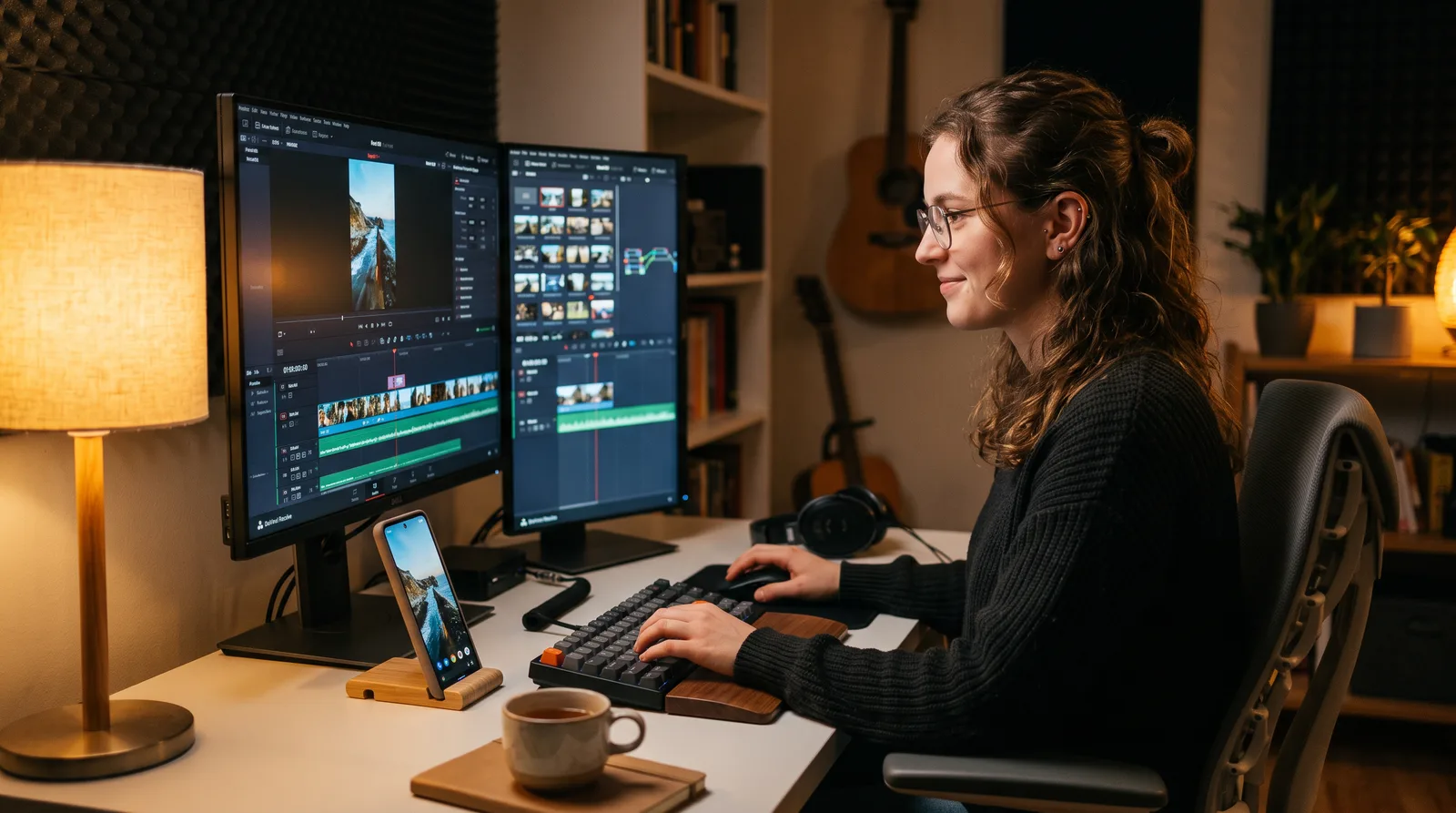
Turn DaVinci Resolve — the same suite used on Hollywood films — into a lean, fast, high-volume short-form machine. This is the exact workflow for YouTube Shorts, TikToks, and Reels: 9:16 timeline to burned-in captions, zero wasted clicks.
"Every lesson in this course exists because someone wasted an hour figuring it out the hard way — I'd rather it take you five minutes."— Shari Johnson
What you'll learn
What you'll be able to do
- Configure a professional 9:16 vertical timeline in DaVinci Resolve for any short-form platform — TikTok, Reels, or Shorts — from scratch in under five minutes
- Use DaVinci's Smart Trim and Blade tools (plus AI integrations like Gling) to strip dead air, filler words, and pauses to build a tight, high-retention jump-cut sequence
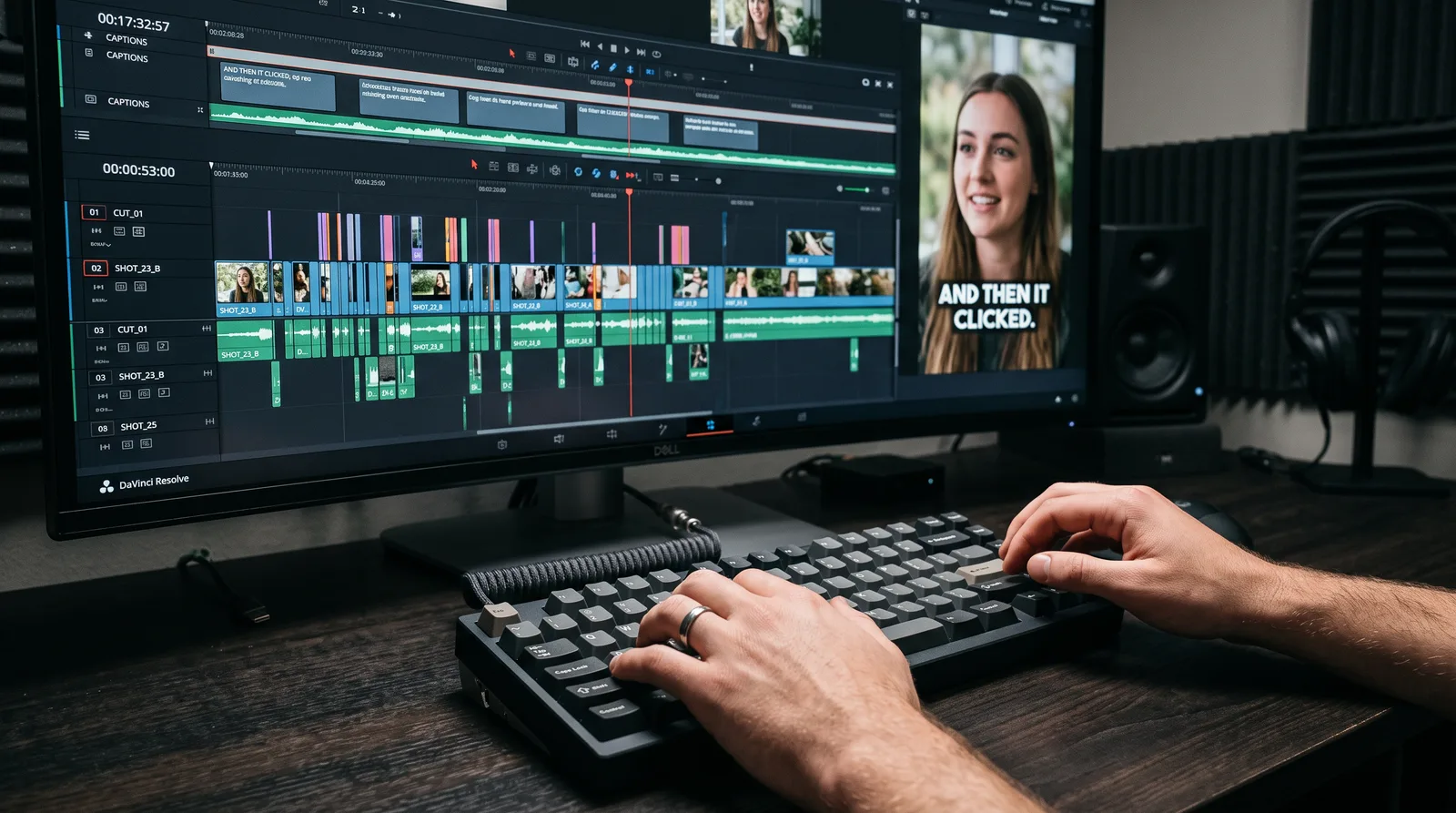
- Generate and style animated pop-up captions inside DaVinci Resolve Studio's Auto-Caption tool and Fusion page, matching the bold aesthetic popularized by top creators
- Export short-form videos with permanently burned-in subtitle animations using platform-optimised render settings so fonts and motion survive every upload unchanged
- Stack and crop multi-layer vertical compositions — talking-head over gameplay or B-roll — using DaVinci's inspector and transform tools for a clean mobile-first frame
- Build a repeatable, high-volume editing pipeline that turns raw footage into publish-ready vertical videos consistently and at speed, without sacrificing visual quality
How it works
A school that adapts to you
This isn't a set of static videos. Every lesson is generated live and tuned to where you actually are.
We learn your level
A quick placement check tailors your starting point so you're never bored or lost.
Lessons adapt as you go
Each lesson is written for your pace and your goal, adjusting as your skills grow.
Your AI coach keeps you moving
Checkpoints, feedback, and gentle nudges turn progress into a real result.
The curriculum
What's inside your school
6 modules · 25 lessons

Vertical-First Foundations
Set up DaVinci Resolve from the ground up as a professional 9:16 short-form editing environment.
- 1.1Why DaVinci Resolve Beats CapCut for Serious CreatorsIncluded
- 1.2Installing and Configuring DaVinci Resolve for Short-FormIncluded
- 1.3Building Your 9:16 Timeline in Under Five MinutesIncluded
- 1.4Importing and Organising Footage for High-Volume OutputIncluded
- 1.5Navigating the Cut and Edit Pages for Short-Form SpeedIncluded
High-Speed Trimming and Jump-Cut Pacing
Use DaVinci's native trim tools and AI integrations to strip dead air and build tight, high-retention sequences.
- 2.1The Jump-Cut Mindset: Pacing Rules for Short-Form RetentionIncluded
- 2.2Blade Tool and Smart Trim EssentialsIncluded
- 2.3AI-Assisted Editing with Gling and Similar ToolsIncluded
- 2.4Polishing the Jump-Cut SequenceIncluded
Multi-Layer Vertical Compositions
Stack, crop, and transform multiple video layers to create clean mobile-first vertical frames.
- 3.1Understanding Layers and the Inspector PanelIncluded
- 3.2Cropping Horizontal Footage into a Vertical FrameIncluded
- 3.3Stacking Talking-Head Over Gameplay or B-RollIncluded
- 3.4Keyframing Position and Scale for Dynamic ReframingIncluded
Animated Captions and Text Styling
Generate, style, and animate bold pop-up captions inside DaVinci Resolve Studio's Auto-Caption tool and Fusion page.
- 4.1Auto-Captions in DaVinci Resolve Studio: Setup to TranscriptIncluded
- 4.2Styling Captions for the Bold Short-Form AestheticIncluded
- 4.3Building Pop-Up Text Animations in FusionIncluded
- 4.4Using and Customising Pre-Made Caption TemplatesIncluded
Platform-Optimised Export and Burn-In
Export vertical videos with permanently burned-in subtitle animations using the correct render settings for every major platform.
- 5.1Why Burn-In Subtitles Beat Platform CaptionsIncluded
- 5.2Deliver Page Essentials: Codec, Resolution, and Bitrate for Short-FormIncluded
- 5.3Burning Subtitles into the Final RenderIncluded
- 5.4Quality-Checking and Uploading Your Finished Vertical VideoIncluded
Building a Repeatable High-Volume Pipeline
Systematise every stage of the workflow into a fast, consistent content engine that scales with client or channel demand.
- 6.1Creating and Saving Your Master Project TemplateIncluded
- 6.2Building a Personal Caption and Style Preset LibraryIncluded
- 6.3Batch Editing Strategies for Agencies and High-Output CreatorsIncluded
- 6.4Speed Benchmarking: Raw Footage to Publish-Ready in Record TimeIncluded
Who it's for
Is this you?

The CapCut Escapee
You've outgrown CapCut's limitations and want professional export quality and real workflow control without starting from scratch.

The Solo TikTok Creator
You're posting consistently but losing time to a messy edit process — you need a faster, repeatable system that doesn't sacrifice quality.

The Freelance Video Editor
You're managing multiple clients and need a batch-ready pipeline that lets you turn raw footage into polished vertical videos at agency speed.

The YouTube Shorts Creator
You know Shorts rewards tight pacing and bold captions — this course gives you the exact technical setup to compete with the top creators in your niche.

The Agency Junior Editor
You're stepping up from basic tools and need to get fluent in DaVinci Resolve fast, without wading through tutorials built for film editors.

The Content Repurposer
You're cutting long-form podcasts or interviews into Reels and Shorts and need to master the vertical crop, layer stack, and caption burn-in workflow.
Questions
Frequently asked
Your teacher
A note from your teacher
Shari Johnson
If you're reading this, you've probably already hit the ceiling.
Maybe you've been grinding in CapCut and the exports just don't look the way you want them to. Maybe you landed a client, opened DaVinci Resolve because you knew it was the right tool, and then spent two hours trying to figure out why your 1080p timeline is cutting off your vertical footage. Or maybe you're an agency editor who's fast — but not system fast, and you know there's a version of your workflow where you're publishing twice as many videos at the same quality.
I built Vertical Cut because every tutorial I could find on DaVinci Resolve was aimed at feature film editors or YouTube vloggers with 16:9 timelines and all the time in the world. Short-form is a completely different discipline. The pacing rules are different. The frame is different. The caption game is different. And the pressure — especially if you're editing for clients — is relentless. You need a workflow that keeps up.
This course teaches you DaVinci Resolve the way a senior editor would hand it down to you over their shoulder: what to click, exactly why you're clicking it, and what goes wrong if you don't. We start with a clean 9:16 timeline setup you can do in under five minutes, move through AI-assisted trimming and jump-cut pacing, get into multi-layer vertical compositions and dynamic reframing, then build out the caption workflow — Auto-Captions, Fusion animations, burned-in exports — that makes your videos look like the ones with millions of views. And we finish by turning all of it into a repeatable system, because consistency is what separates creators who grow from creators who grind.
I won't waste your time with theory. Every lesson is a screen-share walkthrough, and every explanation earns its place. If you're ready to stop fighting your software and start publishing work you're proud of, let's get into it.
— Shari Johnson
Start your journey today
Join get instant access — learn at your own pace with an AI coach in your corner.
$49/mo
Recurring billing · cancel anytime
Secure checkout · Instant access
- 6 modules, 25 lessons
- AI-adaptive lessons tuned to your level
- Quizzes & checkpoints to lock in progress
- Your own AI learning coach
- Learn on any device, at your pace
- Full access for as long as you're subscribed