Build the learning tool you've always wished existed
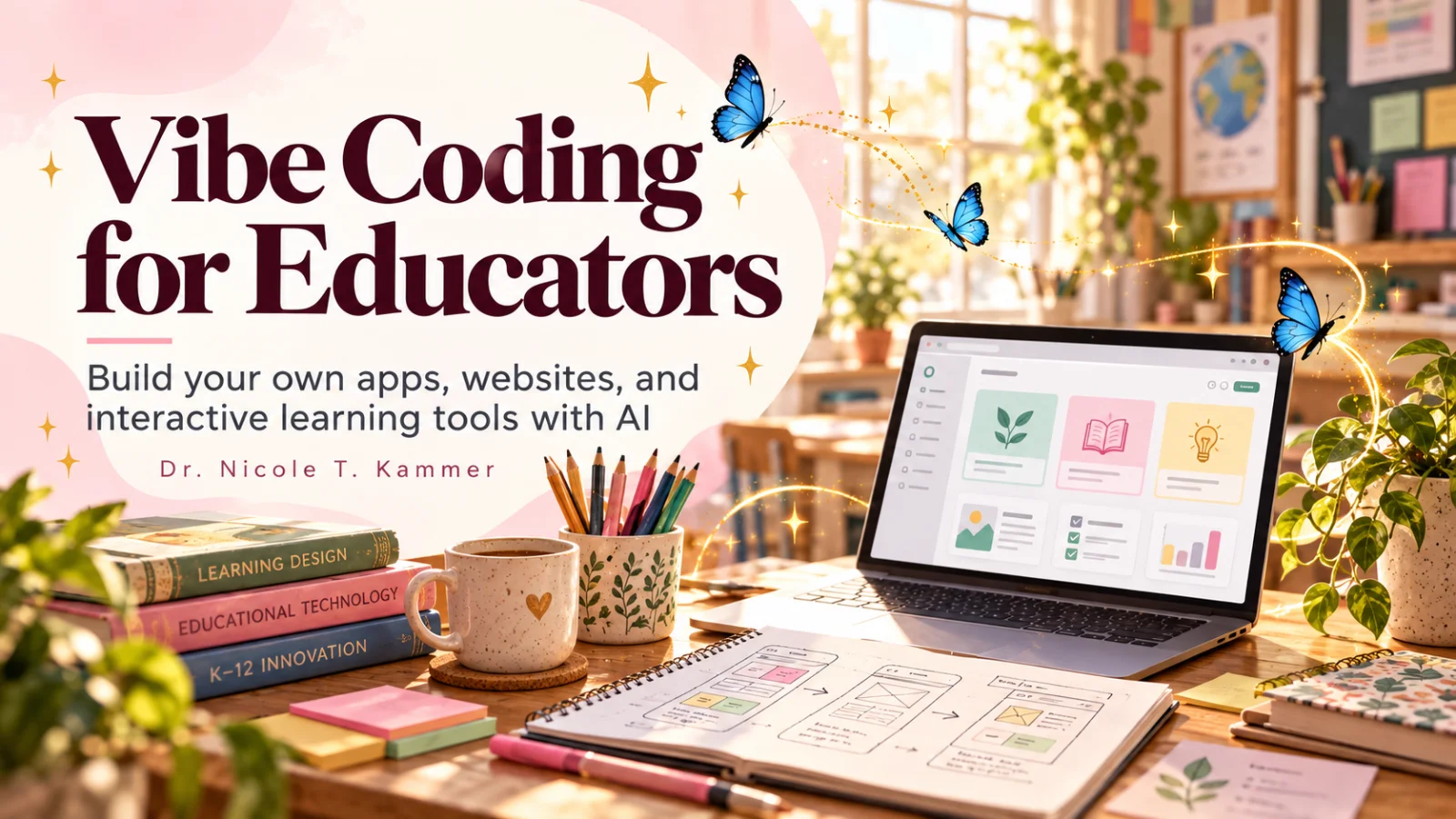
Vibe Coding for Educators is a hands-on school for K–12 teachers, instructional designers, and education professionals who are done waiting for EdTech to catch up — and ready to build their own apps, websites, and interactive learning tools using AI-powered builders. No programming background. No gatekeeping. Just you, your expertise, and a deployed product.
"Your students don't need you to become a developer — they need you to stop waiting for one."
— Nicole Kammer
What you'll learn
What you'll be able to do
- Identify a genuine friction point in your educational context and reframe it as a buildable product brief
- Design the full user experience of a learning tool — audience, flow, tone, and safety — before writing a single prompt
- Use an AI-powered builder (such as Lovable) to generate a working first version of an app, website, or interactive learning tool
- Iterate on a live prototype based on what actually happens when real users touch it
- Apply accessibility, privacy, and age-appropriate design principles to any tool intended for students or families
- Move a finished prototype into active practice and present your own expertise through a deployed professional platform
How it works
A school that adapts to you
This isn't a set of static videos. Every lesson is generated live and tuned to where you actually are.
We learn your level
A quick placement check tailors your starting point so you're never bored or lost.
Lessons adapt as you go
Each lesson is written for your pace and your goal, adjusting as your skills grow.
Your AI coach keeps you moving
Checkpoints, feedback, and gentle nudges turn progress into a real result.
The curriculum
What's inside your school
6 modules · 24 lessons

Educators Can Build
Establishes the mindset shift: educators already have the most important ingredient — deep knowledge of the problem — and AI-powered builders handle the code.
- 1.1The Learning Space You Wish ExistedIncluded
- 1.2Vibe Coding Without the MysteryIncluded
- 1.3You Already Know the Most Important ThingIncluded
Start With Friction, Not Features
Teaches educators to identify and articulate a genuine, specific problem before imagining any solution or feature set.
- 2.1Spotting Real Friction in Your ContextIncluded
- 2.2From Frustration to Buildable BriefIncluded
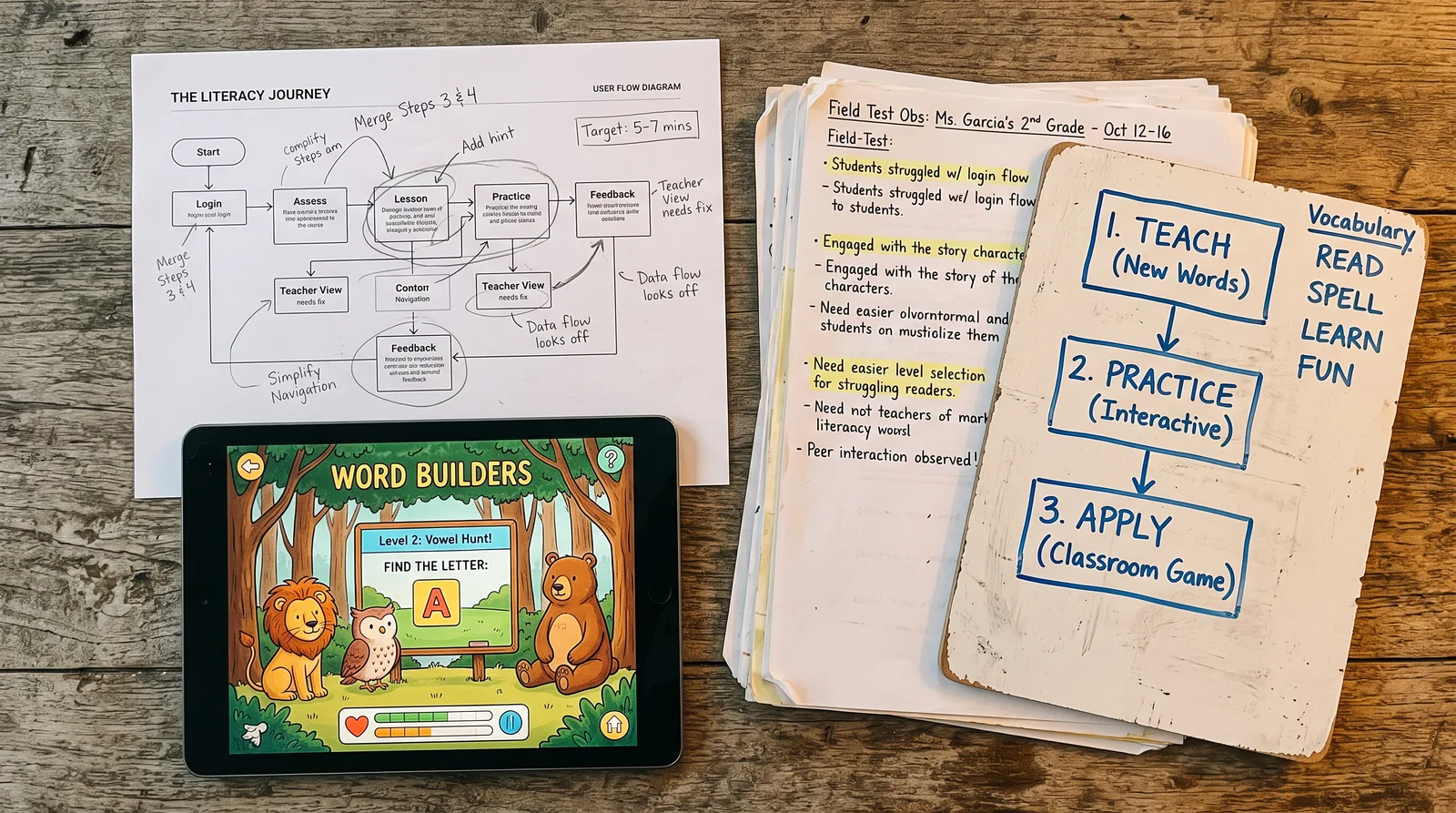
- 2.3Case Study — Word Adventures USA: Noticing a Family-Literacy GapIncluded
- 2.4What You Originally Thought You Needed (and Why That Changed)Included
Design the Experience Before You Build It
Establishes a full UX design pass — audience, flow, tone, and safety — as essential work that happens before any prompt is written.
- 3.1Know Your User: Audience, Age, and ContextIncluded
- 3.2Mapping the Experience FlowIncluded
- 3.3Tone, Safety, and Age-Appropriate DesignIncluded
- 3.4Case Study — Journal Spark: Designing for Privacy, Tone, and SafetyIncluded
From Prompt to Prototype
Puts the AI builder in your hands — teaching you how to communicate with it effectively and ship a real working first version.
- 4.1How to Talk to an AI BuilderIncluded
- 4.2Build Small: Your First Working VersionIncluded
- 4.3Case Study — The Storybook Coach: One Activity Becomes a Digital ExperienceIncluded
- 4.4When It Doesn't Do What You ExpectedIncluded
Test What Actually Happens
Shifts the focus from building to learning — using real user behavior as the primary signal for what to fix, cut, or keep.
- 5.1Putting Your Prototype in Front of Real UsersIncluded
- 5.2Reading What the Data and Behavior Tell YouIncluded
- 5.3Iterating Based on What You SeeIncluded
- 5.4Case Study — Prototypes That Changed After TestingIncluded
Build Something Worth Using — and Worth Sharing
Moves your finished prototype into active practice, responsible deployment, and a visible professional platform that showcases your educator expertise.
- 6.1Accessibility as a Design Requirement, Not an AfterthoughtIncluded
- 6.2Privacy, FERPA, COPPA, and Responsible SharingIncluded
- 6.3From Prototype to Active PracticeIncluded
- 6.4Case Study — Your Professional Site as a Built ProductIncluded
- 6.5What You Build NextIncluded
Who it's for
Is this you?

The frustrated classroom teacher
She's been duct-taping three apps together for years and is finally ready to build the one tool that actually fits her students.

The instructional designer
He designs learning experiences for a living but has always had to hand off to developers — now he can prototype and ship his own vision end to end.

The curriculum developer
She's built rich curricula that deserve better digital homes than a PDF, and she's ready to turn her expertise into an interactive learning product.

The school administrator
He's tired of expensive off-the-shelf EdTech that solves the wrong problems, and wants to understand what building a custom solution actually takes.

The education researcher
She has findings that deserve to reach practitioners directly, and wants to build the tool or platform that bridges her research and real classrooms.

The educator-entrepreneur
He has a side idea — a tutoring tool, a family literacy app, a student journaling platform — and needs the process to take it from concept to deployed product.
Questions
Frequently asked
Your teacher
A note from your teacher

Nicole Kammer
If you've spent any time in education, you already know the feeling. You're looking at a tool — a reading platform, a homework tracker, a communication app — thinking, this almost works. If it just did this one thing differently, it would be perfect for my kids. And then nothing changes, because you're not a developer and the company has a roadmap that doesn't include your classroom.
I've been in that exact place. And what I eventually figured out — messily, through a lot of false starts — is that the barrier to building your own solution is not technical skill. It never really was. The barrier is not knowing where to start, and not believing that your professional knowledge counts as a superpower in the building process. It does. In fact, it's the thing most developers don't have when they try to build EdTech.
This school is the structured path I wish I'd had. We start where every real tool should start: with a genuine friction point — something you've actually lived, not a hypothetical. Then we design the experience before we touch any builder, because the biggest mistake I see educators make is jumping straight to "what can the AI generate?" before they've answered "who is this actually for, and what should happen when they use it?" From there, we use AI-powered tools to generate a working first version, test it with real users, and iterate on what we actually observe — not what we assumed. Along the way, we treat accessibility and student privacy as foundational, not optional.
The case studies in this curriculum aren't made up. They're tools that went through exactly this process — a family literacy app, a student journaling platform, a storybook coaching experience — and they're here because showing the messy middle is more useful than showing a polished outcome and pretending it arrived that way.
I won't promise you this is effortless. Building something real takes real thinking. But I will promise you this: by the end, you will have something deployed, something you made, something that solves a problem you identified — and you'll have the process to do it again. That's not a coding skill. That's a professional capability. And it belongs to educators as much as anyone.
Come build something worth using.
— Nicole Kammer
Start your journey today
Get instant access — learn at your own pace with an AI coach in your corner.
$59/mo
Recurring billing · cancel anytime
Secure checkout · Instant access
- 6 modules, 24 lessons
- AI-adaptive lessons tuned to your level
- Quizzes & checkpoints to lock in progress
- Your own AI learning coach
- Learn on any device, at your pace
- Full access for as long as you're subscribed