
How to Design Your Own Custom Website Using WordPress (No Coding Required)
GCSE Courses · July 24, 2026 · 7 min read
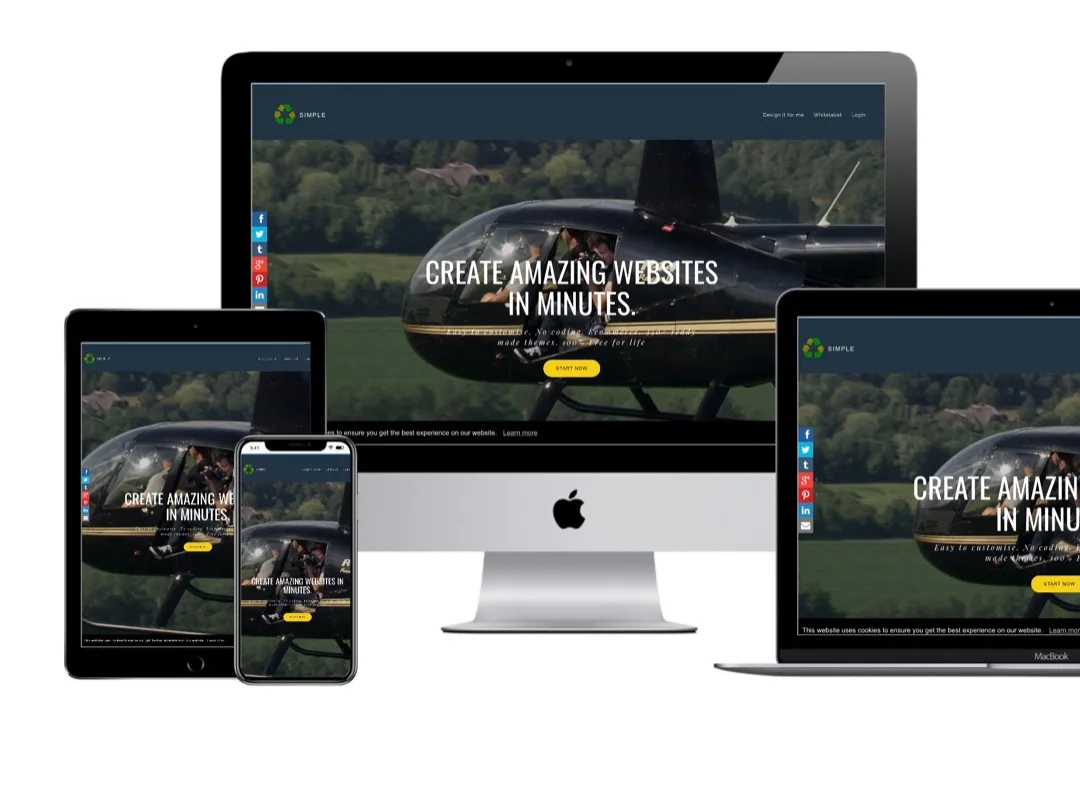
Here’s a long-form, SEO-friendly article designed to attract readers searching for WordPress website design while promoting a WordPress online course.
How to Design Your Own Custom Website Using WordPress (No Coding Required)
In today’s digital world, having a professional website is no longer optional—it’s essential. Whether you’re starting a business, building a personal brand, launching an online store, or showcasing your portfolio, a well-designed website can help you reach customers worldwide.
The good news is that you don’t need to be a professional web developer or know how to write code. With WordPress, anyone can design a beautiful, fully functional, and responsive website.
In this comprehensive guide, you’ll learn how to create your own custom WordPress website from scratch—even if you’re a complete beginner.
Why Choose WordPress?
WordPress is the world’s most popular website-building platform, powering more than 40% of all websites on the internet. It is trusted by bloggers, startups, universities, news organisations, and multinational companies alike.
Some of the biggest advantages of WordPress include:
- No coding knowledge required.
- Thousands of professional themes.
- Over 60,000 plugins to add new features.
- Mobile-friendly designs.
- Search Engine Optimisation (SEO) friendly.
- Secure and regularly updated.
- Suitable for small businesses and large enterprises.
- Easy to manage and update.
Whether you’re building a simple blog or a complex eCommerce website, WordPress has the flexibility to grow with your needs.
Step 1: Decide the Purpose of Your Website
Before designing anything, clearly define your website’s purpose.
Ask yourself:
- Is it a business website?
- Will it sell products?
- Is it an online portfolio?
- Will it be a blog?
- Is it for a school or college?
- Is it a booking website?
- Will it offer online courses?
Understanding your goal will guide every design decision you make.
Step 2: Register a Domain Name
Your domain name is your online address.
Examples include:
Choose a domain name that is:
- Short
- Easy to remember
- Easy to spell
- Relevant to your brand
- Professional
Avoid long names, unnecessary numbers, and complicated spellings.
Step 3: Purchase Web Hosting
Your website needs a server where all its files are stored.
A good hosting provider should offer:
- High uptime
- Fast loading speeds
- SSL certificate
- Automatic backups
- Good customer support
- One-click WordPress installation
Reliable hosting improves website performance and visitor experience.
Step 4: Install WordPress
Most hosting companies provide a one-click WordPress installer.
Within a few minutes you will have:
- Your WordPress dashboard
- Administrator login
- Default website
- Basic settings ready
The WordPress Dashboard is where you’ll build and manage your website.
Step 5: Choose a Professional Theme
A theme controls your website’s appearance.
When selecting a theme, consider:
- Mobile responsiveness
- Fast loading speed
- Easy customisation
- SEO compatibility
- Regular updates
- Positive reviews
Remember that the best theme is not always the one with the most features. Simplicity often leads to a better user experience.
Step 6: Customise Your Website
Now comes the exciting part—making the website uniquely yours.
You can customise:
- Colours
- Fonts
- Layout
- Header
- Footer
- Logo
- Navigation menu
- Background images
- Buttons
Maintain consistent branding throughout the site to create a professional appearance.
Step 7: Create Essential Pages
Every professional website should include key pages that visitors expect.
These often include:
- Home
- About Us
- Services
- Products
- Portfolio
- Blog
- Contact Us
- Frequently Asked Questions (FAQ)
- Privacy Policy
- Terms and Conditions
Each page should have a clear purpose and guide visitors toward taking action.
Step 8: Add High-Quality Images
Images play a major role in website design.
Use photographs that are:
- High resolution
- Relevant
- Professionally edited
- Optimised for web performance
Avoid cluttering pages with unnecessary images, as this can slow down your website.
Step 9: Install Useful Plugins
Plugins add powerful functionality to your website.
Popular categories include:
- SEO optimisation
- Contact forms
- Security
- Backups
- Image optimisation
- Website caching
- Social media sharing
- Analytics
- Online stores
- Membership systems
Only install plugins that you genuinely need to keep your website fast and secure.
Step 10: Optimise for Mobile Devices
More than half of website visitors now browse using smartphones.
Always check that your website:
- Displays correctly on mobile phones.
- Works well on tablets.
- Has readable text.
- Has buttons that are easy to tap.
- Loads quickly.
A mobile-friendly website improves both user experience and search engine rankings.
Step 11: Improve Website Speed
A slow website can drive visitors away.
To improve speed:
- Compress images.
- Remove unused plugins.
- Use caching.
- Minimise unnecessary animations.
- Choose quality hosting.
- Keep WordPress updated.
Fast websites create happier visitors and perform better in search engines.
Step 12: Optimise for Search Engines (SEO)
Search Engine Optimisation helps your website appear on Google when people search for your products or services.
Good SEO includes:
- Writing helpful content.
- Using relevant keywords.
- Creating descriptive page titles.
- Adding meta descriptions.
- Using heading tags correctly.
- Optimising images.
- Building internal links.
- Publishing fresh content regularly.
SEO is a long-term strategy that can generate free traffic for years.
Step 13: Secure Your Website
Website security protects your business and your visitors.
Good security practices include:
- Using strong passwords.
- Enabling two-factor authentication.
- Installing security plugins.
- Keeping WordPress updated.
- Backing up your website regularly.
- Removing unused themes and plugins.
Prevention is always easier than recovering from a hacked website.
Step 14: Test Before Launching
Before making your website public, test everything carefully.
Check:
- Navigation menus
- Contact forms
- Images
- Links
- Mobile responsiveness
- Page speed
- Spelling and grammar
- Buttons
- Checkout process (if applicable)
A well-tested website creates a professional first impression.
Step 15: Keep Improving
A website is never truly finished.
Continue to:
- Publish new articles.
- Update products and services.
- Improve SEO.
- Refresh images.
- Add new features.
- Monitor visitor behaviour.
- Improve loading speed.
- Update plugins and themes.
Successful websites evolve with their audience and business goals.
Common Mistakes to Avoid
Many beginners make mistakes that reduce the effectiveness of their websites.
Avoid:
- Choosing a complicated design.
- Using too many fonts.
- Installing excessive plugins.
- Ignoring mobile users.
- Publishing low-quality content.
- Using poor-quality images.
- Forgetting website backups.
- Neglecting SEO.
- Failing to update WordPress.
- Having no clear call-to-action.
Learning from these common pitfalls can save time and improve your results.
Why Learn WordPress?
WordPress is one of the most valuable digital skills you can acquire.
It can help you:
- Build websites for your own business.
- Start a freelance web design career.
- Create online stores.
- Launch blogs and news websites.
- Build educational platforms.
- Design websites for clients.
- Generate passive income.
- Expand your digital marketing skills.
As businesses continue moving online, WordPress expertise remains in high demand.
Learn WordPress with GCSE Courses
If you want to master WordPress professionally, GCSE Courses offers a comprehensive online WordPress Website Design course designed for complete beginners and aspiring web designers.
During the course, you will learn how to:
- Install and configure WordPress.
- Register domains and connect hosting.
- Design beautiful custom websites.
- Create blogs and business websites.
- Build eCommerce stores.
- Install and configure essential plugins.
- Optimise websites for SEO.
- Improve website speed and security.
- Integrate payment gateways.
- Maintain and update WordPress websites.
- Launch professional websites for clients.
The course includes step-by-step video lessons, practical projects, downloadable resources, quizzes, and tutor support, allowing you to learn at your own pace from anywhere in the world.
Start Building Websites Today
Designing your own custom website no longer requires expensive software or advanced programming skills. With WordPress, creativity and the right guidance are all you need.
Whether your goal is to promote a business, sell products online, start a blog, or become a professional web designer, WordPress provides the tools to turn your ideas into reality.
Take the first step today by learning WordPress and begin creating websites that are beautiful, functional, secure, and ready for the modern web.