

Reading the exit terms before you walk in is exactly the right instinct — companies that make leaving hard are telling you something about staying. So here is TeachClub's entire cancellation story, written as plainly as the sales pages.
How to cancel
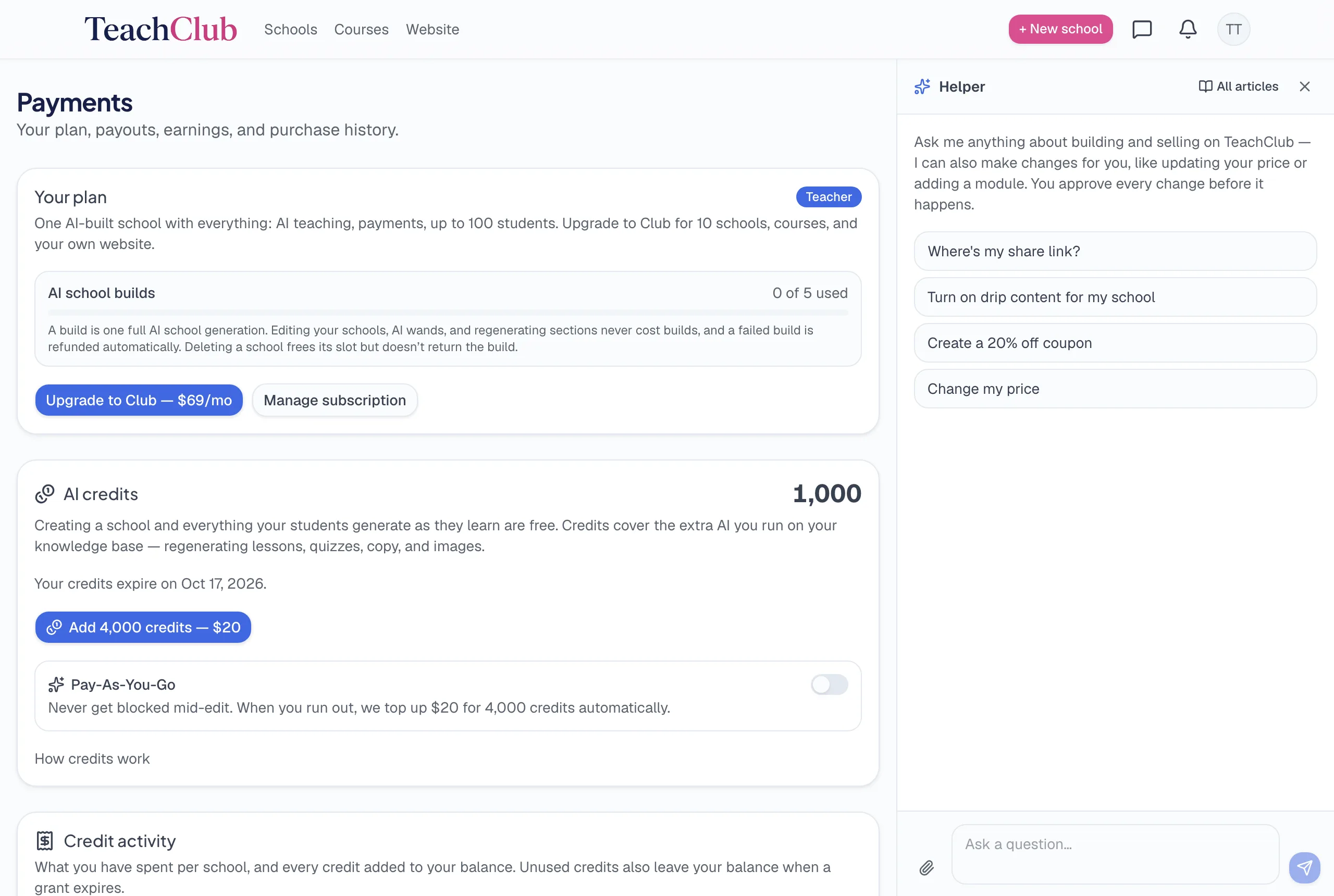
- Open your Payments page.
- Click Manage subscription.
- Cancel.
That's the entire process: self-serve, from your own account, in about a minute. There is no phone call, no retention specialist reading a script, no "are you sure?" gauntlet, no waiting period. The same page shows your billing history, so you leave knowing exactly what you were charged and when.
What you keep
- Your account — you can still log in.
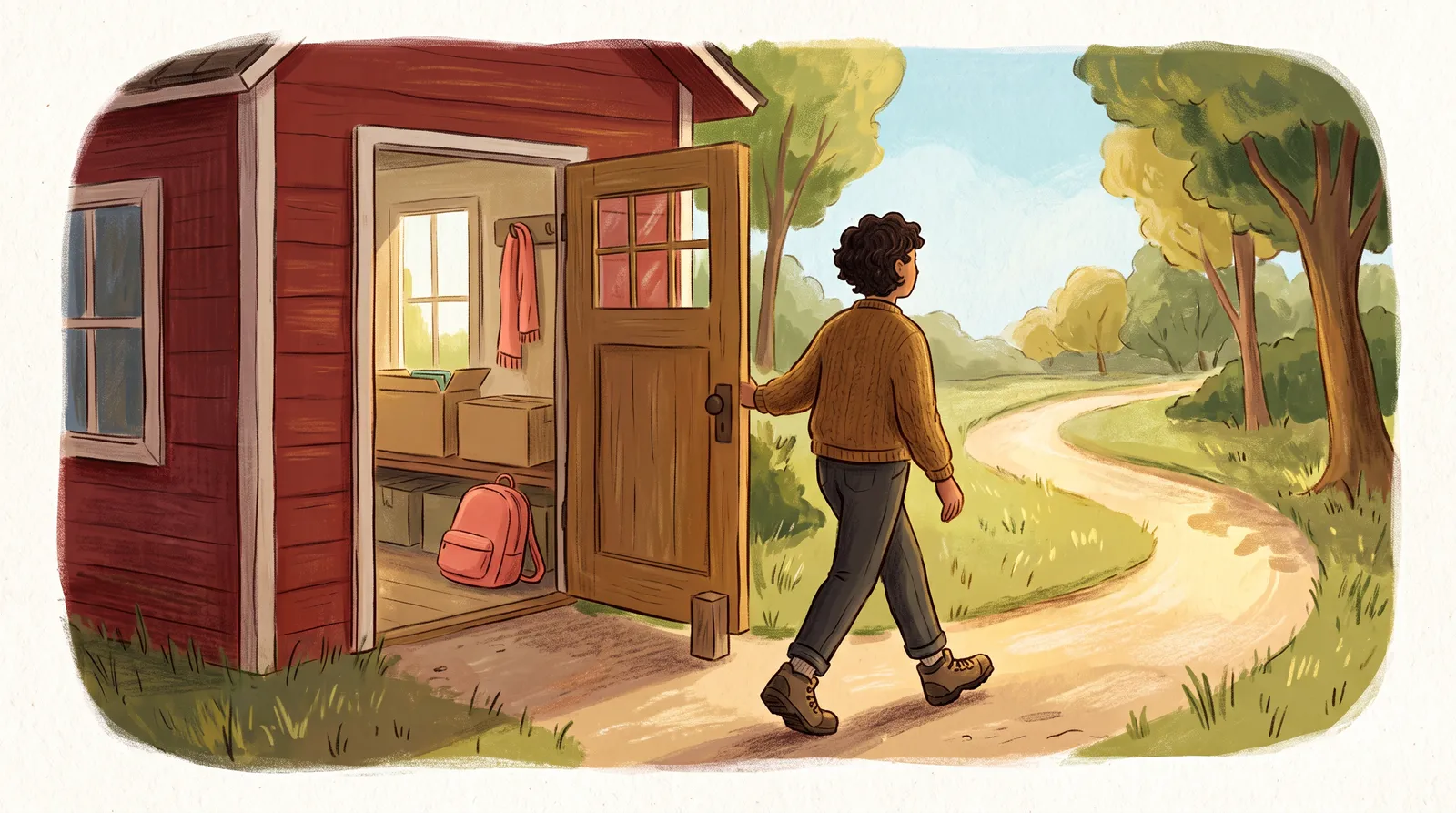
- Your schools and everything in them — curriculum, lessons, sales pages, images, and every material you uploaded.
- Your student records — who enrolled, their progress, your sales history.
- Your accrued earnings — money you earned is yours; payouts to your PayPal don't evaporate because you canceled.
Nothing is deleted when you cancel. Canceling turns off the business; it doesn't shred the work.
What pauses
Teaching is the paid feature, so while you have no active plan, your schools stop accepting new enrollments — a would-be buyer sees that the school isn't accepting students right now. Your pages stay reachable, but the doors are closed until a plan is active again.
Coming back
Resubscribe and everything resumes as it was — schools, content, records, the works. Nothing to rebuild, nothing to re-upload. People do this seasonally: teachers with summer-shaped or tax-season-shaped topics run paid months when it matters and pause when it doesn't.
Before you go
No guilt trip — but two honest offers. If something specific broke or frustrated you, the free call is the fastest way to find out whether it's fixable (and you'll be told straight if it isn't). And if the issue is money-shaped — billing, refunds, double charges — email support@teachclub.com and a human handles it. Neither is a hoop; the cancel button works regardless.
Why this page reads the way it does
If you're reading this before joining: yes, this page is deliberately the easiest one to act on. A platform confident in its product can afford a frictionless exit — and you can hold us to the same plainness everywhere else, starting with the pricing.