

You're not really buying software when you start a school — you're putting your name on something. So before you do, here's exactly what the person who pays you will see, from the moment they click your link to their tenth lesson. Nothing on this page requires your imagination; it's a walkthrough of what ships today.
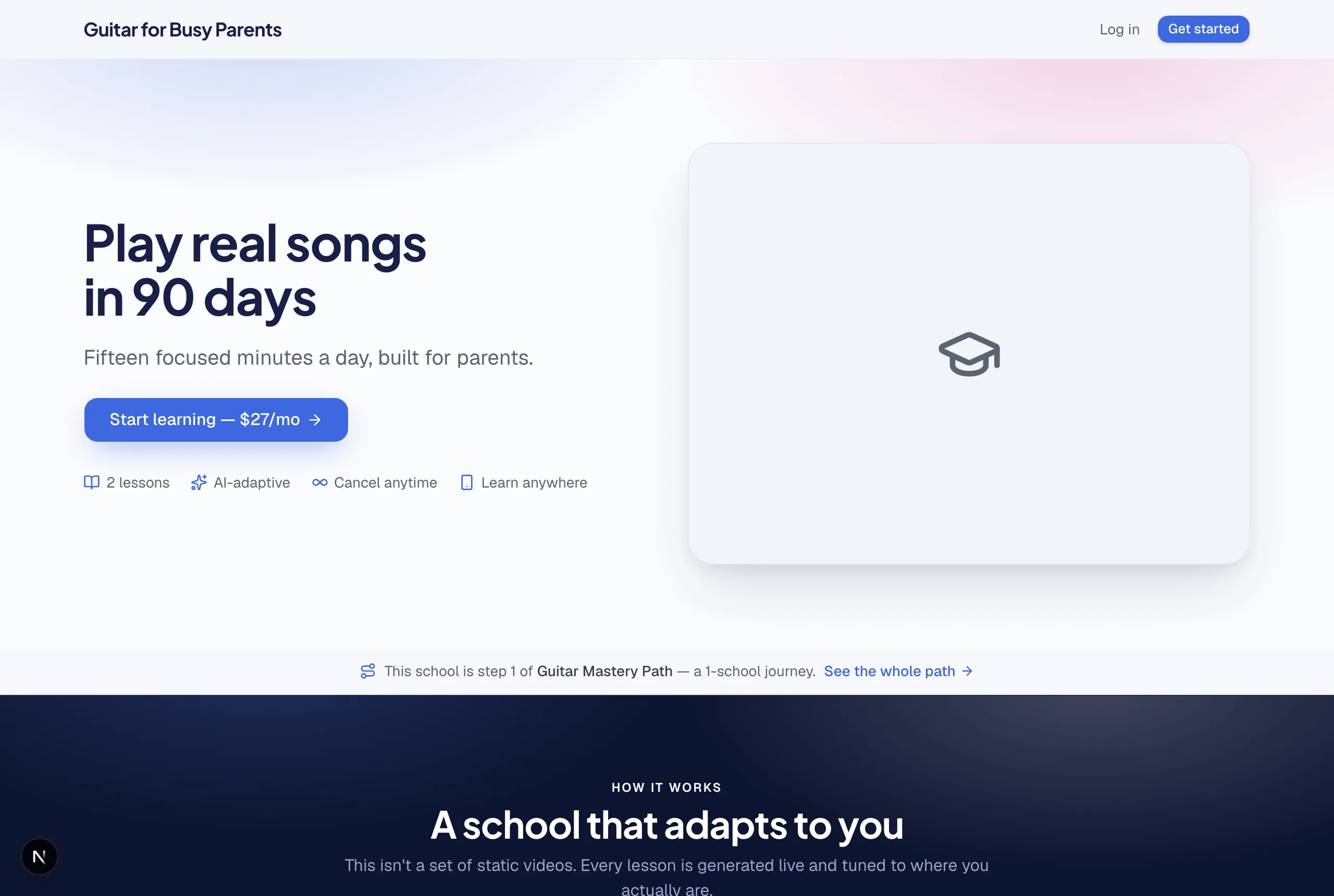
The front door: your sales page
Your student's first contact is the page the AI built and you polished: your school's name, your imagery, your headline, your price. When you share the link anywhere — a text, a group, an ad — the preview card that unfurls shows your hero image and headline, not a platform logo.
Enrollment: under a minute, nothing for you to do
- They click Enroll and pay by card at the checkout.
- An account is created for them on the spot — no waiting for you to approve anything.
- They land inside your school and the first lesson is one tap away.
Compare that to the cobbled-together version of this business — where you manually email logins, or a buyer waits overnight for access — and you'll understand why instant delivery matters: refund requests are born in the gap between paying and receiving.
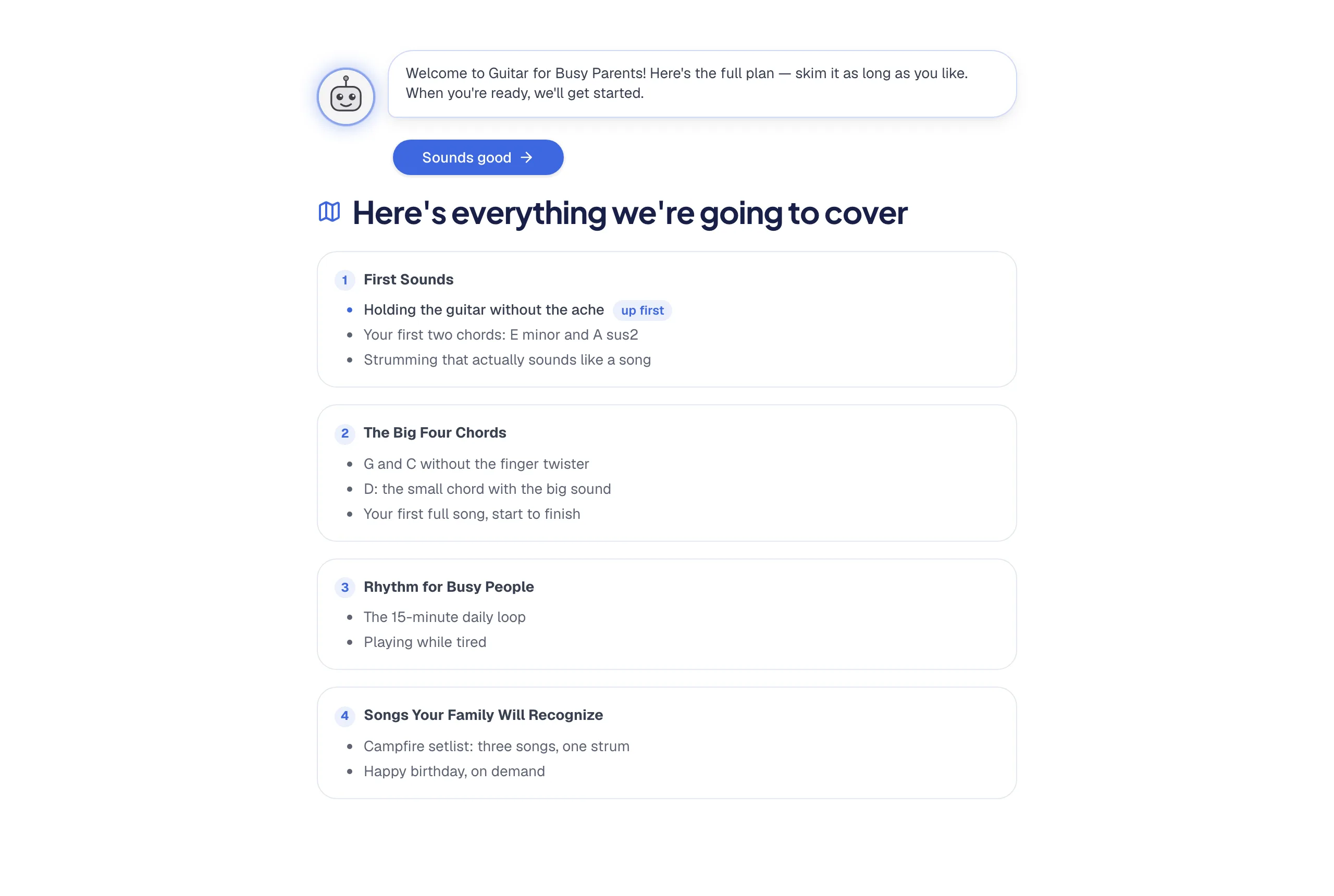
The classroom: lessons that talk back
Lessons aren't videos to sit through or PDFs to scroll — they're taught as a conversation. The AI explains a concept, checks understanding, adjusts based on the answer, and moves at the student's pace. A confident student gets a brisk lesson; a struggling one gets more steps and different explanations — same curriculum, personal delivery.
- Your material is the source. Everything you uploaded — notes, PDFs, videos — is what the AI teaches from. Your video plays inside the lesson where you said it should.
- Quizzes with feedback, not just scores — students learn from what they missed.
- Progress tracking so they always know where they are and what's next.
- Works on phones — most students bounce between phone and laptop; their place follows them.
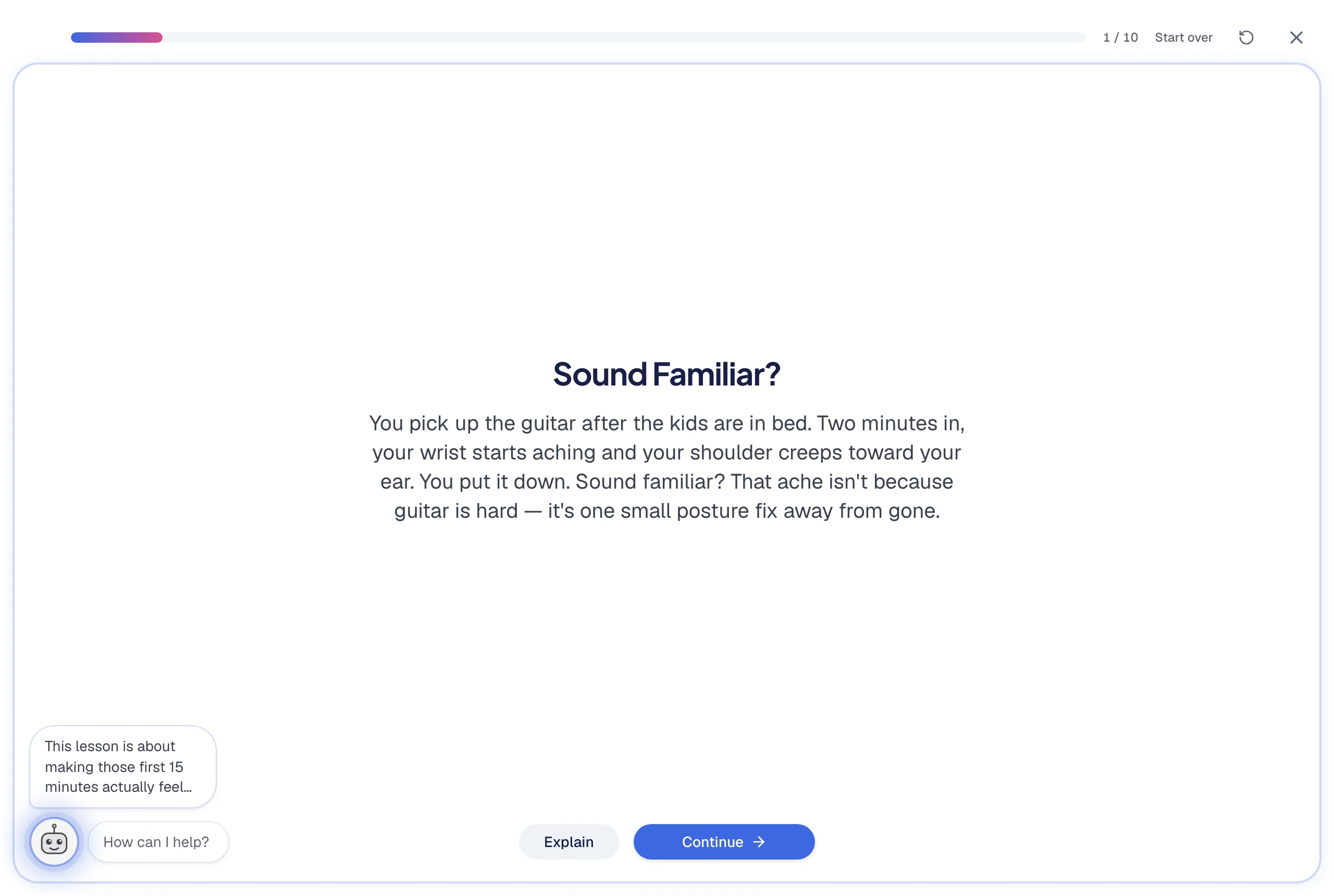
The tutor: your teaching assistant that never sleeps
At any point, a student can ask a question — about the lesson, about something from three lessons ago, about how this applies to their situation — and the tutor answers from your school's content. This is the single feature students mention most, because it's the thing a video course can never do: respond. And it costs you nothing per question, at any student volume.
Community, announcements, and events — if you want them
Everything social is opt-in, because not every school wants it. When you enable them, students get: a community space for discussion, announcements from you (posted from your dashboard or just by asking the assistant), and calendar events — live sessions, office hours — with reminder emails that go out under your school's name.
Whose brand is on all this?
Yours, almost everywhere: the school name, logo, colors, and favicon (the little browser-tab icon) are yours on every plan, and the emails students receive — welcome, receipts for your content, event reminders — arrive under your school's name. On the Club plan your school can live on your own domain. The honest exceptions: the checkout page and the card statement say TeachClub (we're the merchant handling taxes and disputes), and students technically hold TeachClub accounts — that's what powers their tutor. The complete yours-vs-ours list is in the branding guide.
What students never see
- Your dashboard, your earnings, or your other schools.
- Each other's progress or quiz results.
- Any TeachClub marketing aimed at turning them into teachers — a student's learning space stays a learning space.
Why this matters before you start
Most first-time teachers' real fear isn't the technology — it's "will this look professional enough to charge money for?" The student experience above is the answer: instant delivery, interactive teaching, a tutor on call, your brand throughout. It looks like you hired a team, because functionally, you did.